Operation and Description of Function Settings Chore-Tronics Model 16 & 8 Control
22
MT1554A 1/6/99
Feed Clock
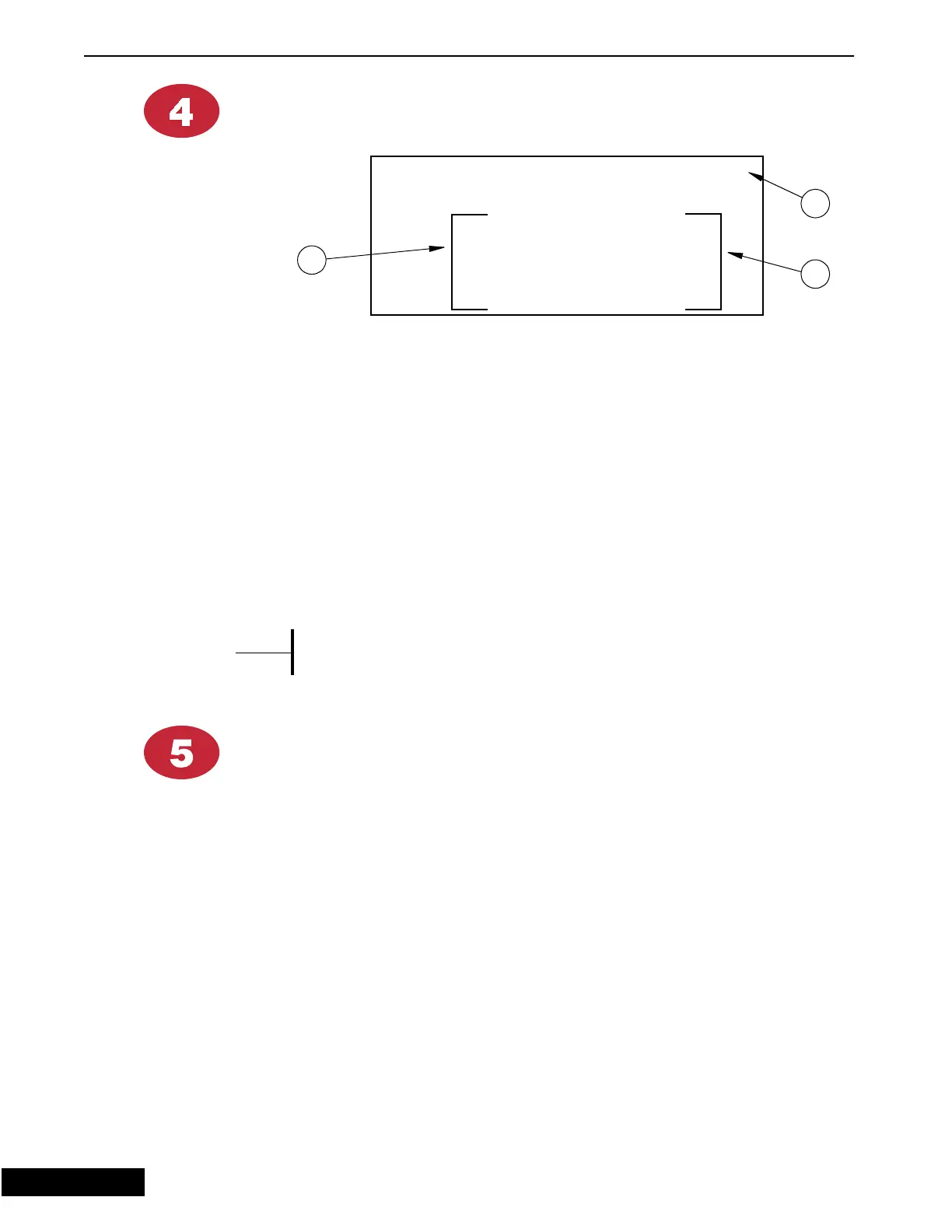
1. Number of Events - here you determine the number of feeding events you want
by placing a number (up to 24) in this position. Whatever you choose will then
show on the screen so you can put in the start and run times.
2. Start Time - here you enter the start time that you want that particular feeding
cycle to begin. This can be shown in twelve or twenty-four hour time (see Setup
screen, button 12).
3. Run Time - this is where you enter the run time for the feeding cycle. This is
done in hours, minutes, and seconds. If a time segment is not needed such as
seconds, then place zeros in these positions.
A run time of all zeros will prevent an event from happenin
.
Light Clock
The light clock functions in the same manner as the Feed Clock
Figure 9. Feed Clock Screen
0-%+%&.1/38
;;.3;;..
...
...
...
...
...
1
2
3
{Note}
*
9/9/98



 To Next Page