Introduction to Control Chore-Tronics Model 16 & 8 Control
18
MT1554A 1/6/99
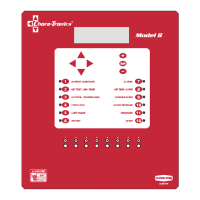
4. Press the DOWN ARROW (Figure 5).
5. Press the (+) or (–) buttons to change from Fahrenheit to Celsius.
In this case the (+) and (–) buttons select different text choices.
6. If two or more editable settings are on the same line, the left and right arrow
buttons will be used to move between those positions.
To exit the
Edit Mode
— Press the EDIT ke
. This will take
ou out of
the edit mode and turn off the cursor.
When a value or text is edited, it is immediatel
saved in the control.
This eliminates the need for an enter ke
.
Figure 5. Setup and Calibration edit Screen.
"/
(
2 3 114,('%
%5!6# "
( 3# .
- ,#
{Note}
*
9/9/98


 To Next Page