Chore-Tronics Model 16 & 8 Control Operation and Description of Function Settings
29
MT1554A
Programs
This subject area provides you with two backup programs. A program is defined
as all the settings of all 12 screens.
Important!
Once step 3 below is done,
ou will not be able to retrieve the
ori
inal installation setup. You will have defined a new “installation”
setup.
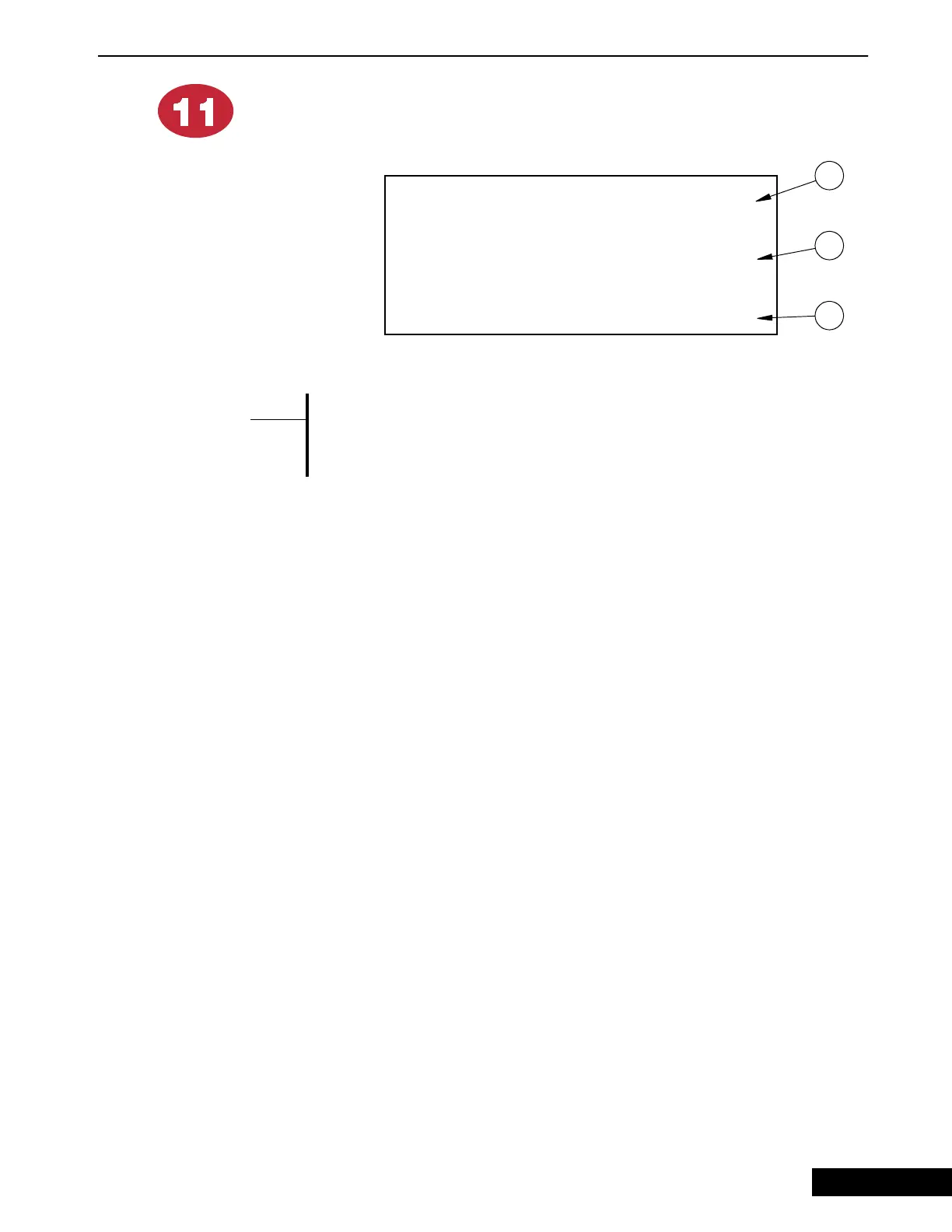
1. This allows you to change every setting of every screen to what it was at the most
recent midnight (yesterday’s settings). Edit the no to yes and confirm your choice
as the screen will direct you.
2. This allows you to change every setting of every screen to what has been
previously stored as the “installation”. Edit the no to yes and confirm your choice
as the screen will direct you.
3. This allows you to store a new “installation” setup. This is to be done by the
original installer, but can be changed at any time. At the moment you change no
to yes and confirm, all settings in all screens will become the new “installation”
setup. It is most advisable to record all these settings for future reference.
Figure 15. Program Screen
-#? ;@/!6
##AE1
-#? ;@/!6
; 55 E1
-#? ;;55 @
/!; 55 E1
1
2
3
{Note}
*
9/9/98


 To Next Page