EasyManua.ls Logo

Chroma 63802 - Page 53

Default Icon
198 pages
Print Icon
To Next Page IconTo Next Page
To Previous Page IconTo Previous Page
Loading...
Local Operation
3-25
[
C
O
N
F
]
C
H
O
O
S
E
=
1
1
.
S
E
T
U
P
2
.
R
E
M
O
T
E
3
.
C
A
L
I
B
R
A
T
I
O
N
4
.
D
I
S
P
L
A
Y
S
E
L
E
C
T
I
O
N
5
.
F
A
C
T
O
R
Y
D
E
F
A
U
L
T
6
.
M
O
D
E
L
I
N
F
O
R
M
A
T
I
O
N
7
.
P
A
R
A
L
L
E
L
M
O
D
E
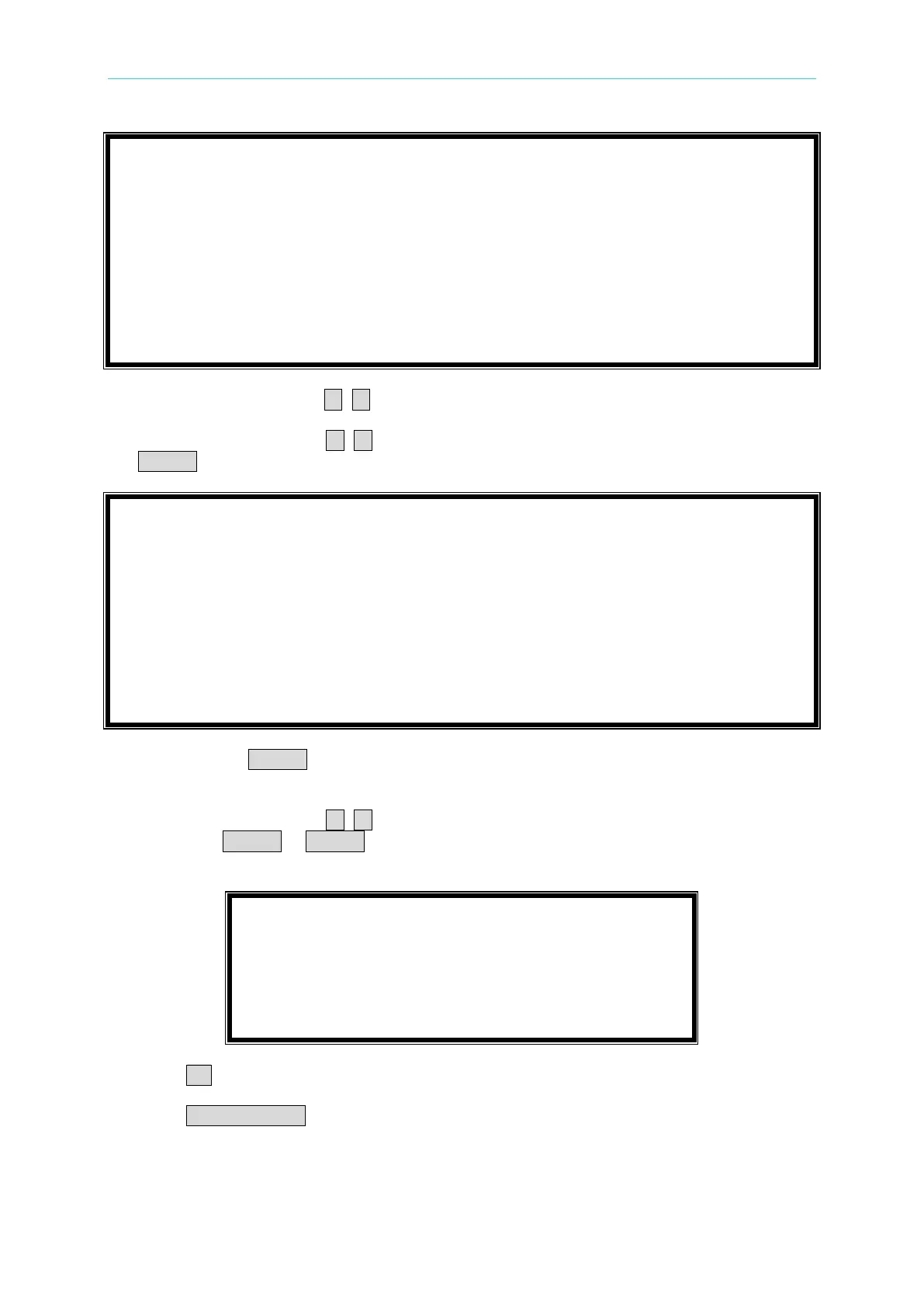
3. Move the direction key ( , ) to “1-5. CF/PF SETTING”.
4. Press the direction key ( , ) or rotate the rotary knob to choose BOTH, then press
ENTER.
1
-
1
.
M
O
D
E
S
E
L
E
C
T
=
A
C
/
D
C
[
S
E
T
U
P
]
1
-
2
.
S
H
O
R
T
=
O
F
F
/
T
O
G
G
L
E
/
H
O
L
D
1
-
3
.
L
O
C
K
M
O
D
E
=
R
O
T
A
R
Y
/
K
E
Y
P
A
D
/
A
L
L
1
-
4
.
S
O
U
N
D
=
O
N
/
O
F
F
1
-
5
.
C
F
/
P
F
S
E
T
T
I
N
G
=
B
O
T
H
/
C
F
/
P
F
1
-
6
.
T
I
M
I
N
G
M
O
D
E
=
O
F
F
/
H
O
L
D
U
P
/
T
R
A
N
S
F
E
R
1
-
7
.
E
X
T
E
R
N
A
L
=
O
F
F
/
O
N
1
-
8
.
A
B
A
M
O
D
E
=
E
N
A
B
L
E
/
D
I
S
A
B
L
E
5. After pressing ENTER, meanwhile a window will be popped up to request users to key in
the priorities of CF and PF.
6. Press the direction key ( , ) or rotate the rotary knob to choose the priority you want
then press ENTER. If ENTER is not pressed, a window will not be popped up thus the
priority is the setting value last time.
C
F
P
F
P
R
I
O
R
I
T
Y
=
C
F
/
P
F
7. Press CP key to back to main page.
8. Press LOAD ON/OFF to run program when the program function is selected.
In the main page, users can press the arrow key to select the setting parameters on the LCD
display, including current RMS value, CF, PF, and I
p
(max). Users can type the values of

Table of Contents

Related product manuals