EasyManua.ls Logo

Chroma 63802 - Page 69

Default Icon
198 pages
Print Icon
To Next Page IconTo Next Page
To Previous Page IconTo Previous Page
Loading...
Local Operation
3-41
I
s
e
t
=
1
8
.
0
0
0
C
F
=
1
.
5
0
0
P
F
=
1
.
0
0
0
I
p
(
m
a
x
)
=
5
0
.
0
T
I
M
E
O
U
T
=
0
0
:
0
1
:
0
0
C
U
T
O
F
F
V
=
5
0
.
0
0
0
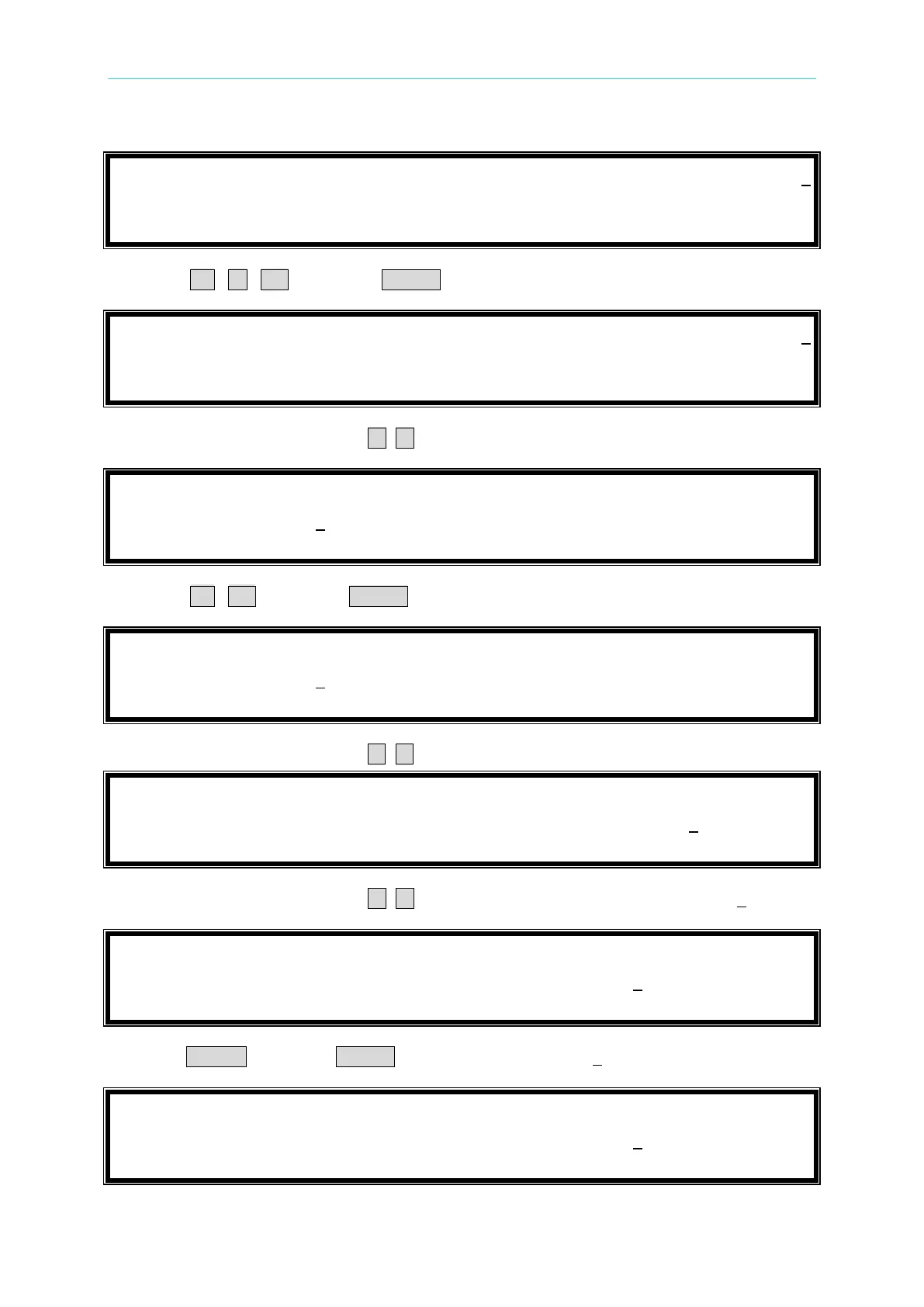
6. Press 0 , . , 8 then press ENTER to change the value to 0.800”.
I
s
e
t
=
1
8
.
0
0
0
C
F
=
1
.
5
0
0
P
F
=
0
.
8
0
0
I
p
(
m
a
x
)
=
5
0
.
0
T
I
M
E
O
U
T
=
0
0
:
0
1
:
0
0
C
U
T
O
F
F
V
=
5
0
.
0
0
0
7. Move the cursor by pressing ( , ) to the command line of “I
p
(max)=”.
I
s
e
t
=
1
8
.
0
0
0
C
F
=
1
.
5
0
0
P
F
=
0
.
8
0
0
I
p
(
m
a
x
)
=
5
0
.
0
T
I
M
E
O
U
T
=
0
0
:
0
1
:
0
0
C
U
T
O
F
F
V
=
5
0
.
0
0
0
8. Press 2 , 0 then press ENTER to change the value to 20.0”.
I
s
e
t
=
1
8
.
0
0
0
C
F
=
1
.
5
0
0
P
F
=
0
.
8
0
0
I
p
(
m
a
x
)
=
2
0
.
0
T
I
M
E
O
U
T
=
0
0
:
0
1
:
0
0
C
U
T
O
F
F
V
=
5
0
.
0
0
0
9. Move the cursor by pressing ( , ) to the command line of TIME OUT=”.
I
s
e
t
=
1
8
.
0
0
0
C
F
=
1
.
5
0
0
P
F
=
0
.
8
0
0
I
p
(
m
a
x
)
=
2
0
.
0
T
I
M
E
O
U
T
=
0
0
:
0
1
:
0
0
C
U
T
O
F
F
V
=
5
0
.
0
0
0
10. Move the cursor by pressing ( , ) to the command line of TIME OUT=00:01:00”.
I
s
e
t
=
1
8
.
0
0
0
C
F
=
1
.
5
0
0
P
F
=
0
.
8
0
0
I
p
(
m
a
x
)
=
2
0
.
0
T
I
M
E
O
U
T
=
0
0
:
0
1
:
0
0
C
U
T
O
F
F
V
=
5
0
.
0
0
0
11. Press CLEAR then press ENTER to clear the value to 00:00:00”.
I
s
e
t
=
1
8
.
0
0
0
C
F
=
1
.
5
0
0
P
F
=
0
.
8
0
0
I
p
(
m
a
x
)
=
2
0
.
0
T
I
M
E
O
U
T
=
0
0
:
0
0
:
0
0
C
U
T
O
F
F
V
=
5
0
.
0
0
0

Table of Contents

Related product manuals