Programmable AC/DC Electronic Load 63800 Series Operation & Programming Manual
5. Then press CR to back to main page.
V
=
0
. 0
0
I =
0
. 0
0
T
=
0
. 0
0
m
s
This TRANSFER function is only using in AC CR mode of Timing mode as
ABA (Auto Bandwidth Adjustment) mode is enabled.
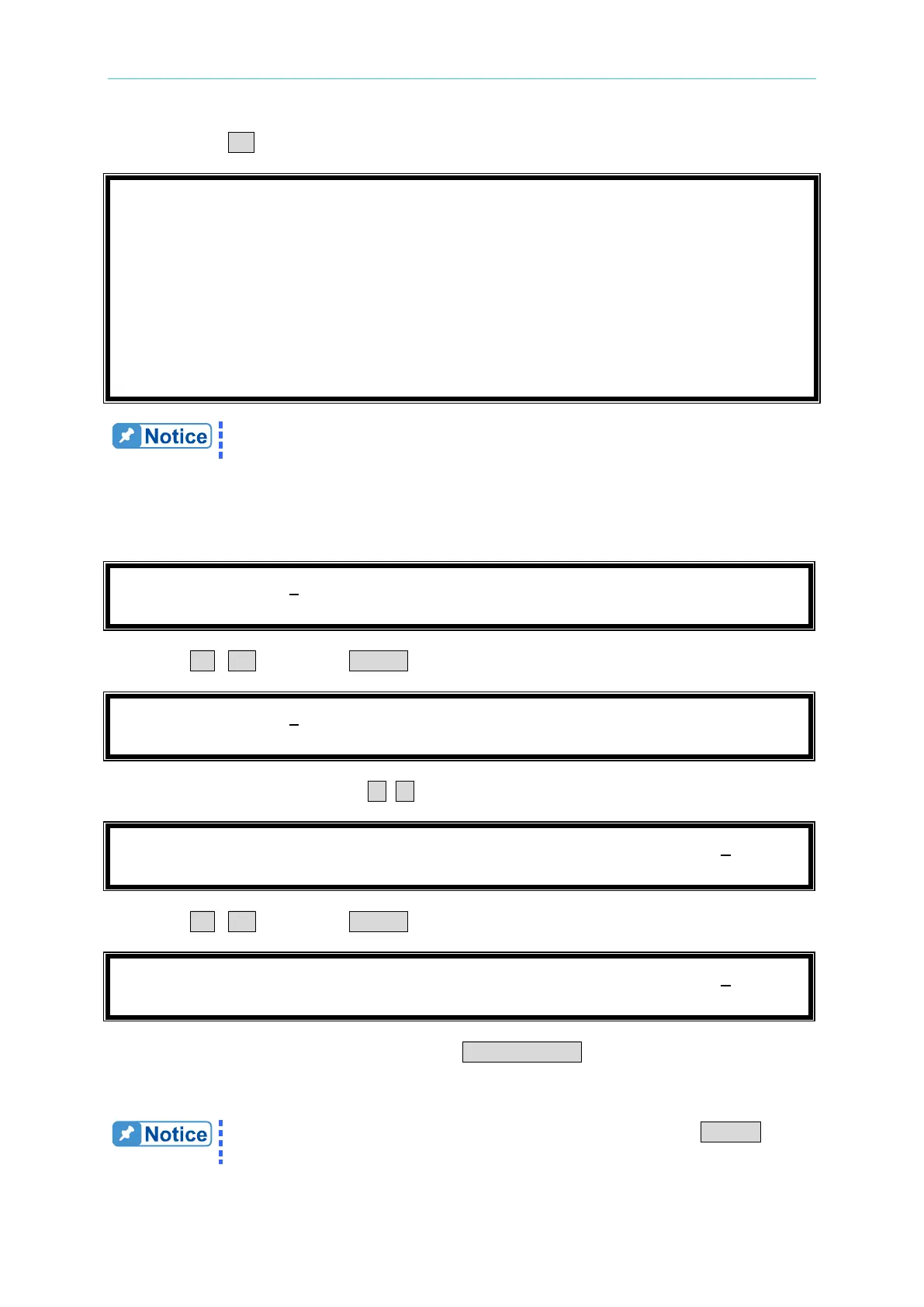
The procedures of setting R
set
= 33.00, and I
rms
(max) = 22.0, are described as below:
1. Move the cursor to the command line of “R
set
=”.
2. Press 3 , 3 then press ENTER to change the value to “33.00”.
3. Move the cursor by pressing ( ◄, ► ) to the command line of “I
rms
(max)=”.
4. Press 2 , 2 then press ENTER to change the value to “22.0”.
5. After setting the parameter of the load, the LOAD ON/OFF key should be pressed to turn
on the load, so that the load can sink the current. (The detailed information please refers
section
3.4.5.)
If there is error during the procedures of inputting value, press CLEAR to
clear the value at any time and then input again.



 To Next Page