• Fuel Economy Info
• Trip (Trip A/Trip B)
• Audio
• Navigation
• Messages
• Screen Setup
• Speed Warning — 7” DID
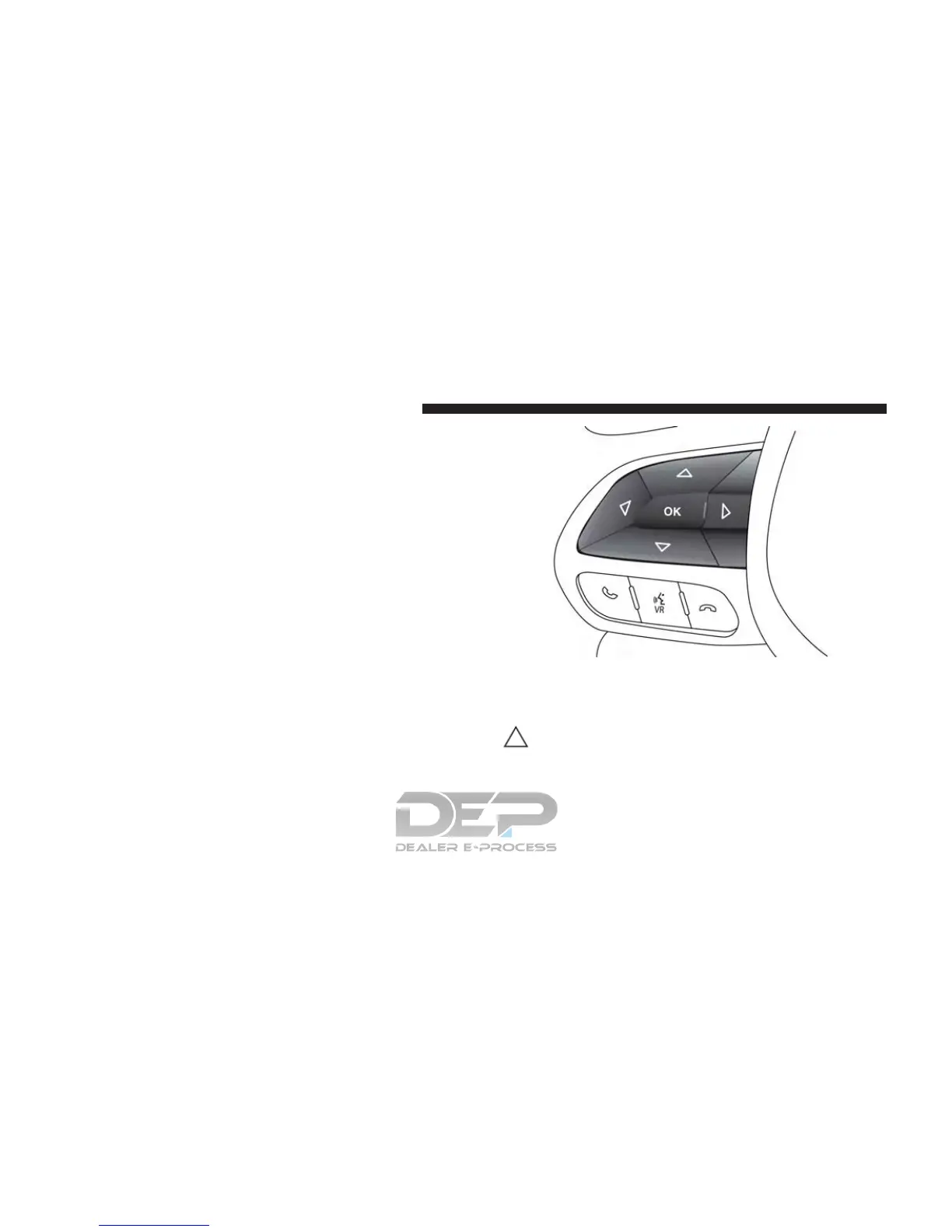
The system allows the driver to select information by
pushing the following buttons mounted on the steering
wheel:
• UP Arrow Button
Push and release the UP arrow button to scroll
upward through the Main Menu items.
Instrument Cluster Display (EVIC/DID) Control Buttons
216 GETTING TO KNOW YOUR INSTRUMENT PANEL















 To Next Page