CAUTION!
Certain high-end video games will exceed the power
limit of the vehicle’s Power Inverter. Refer to “Power
Inverter” in “Getting To Know Your Vehicle” in this
guide for further information.
Headphones Operation
The headphones receive two separate channels of audio
using an infrared transmitter from the video screens.
If no audio is heard after increasing the volume control,
verify that the screen is turned on, the channel is not
muted and the headphone channel selector button is on
the desired channel. If audio is still not heard, check that
two new AAA type batteries are installed in the head-
phones.
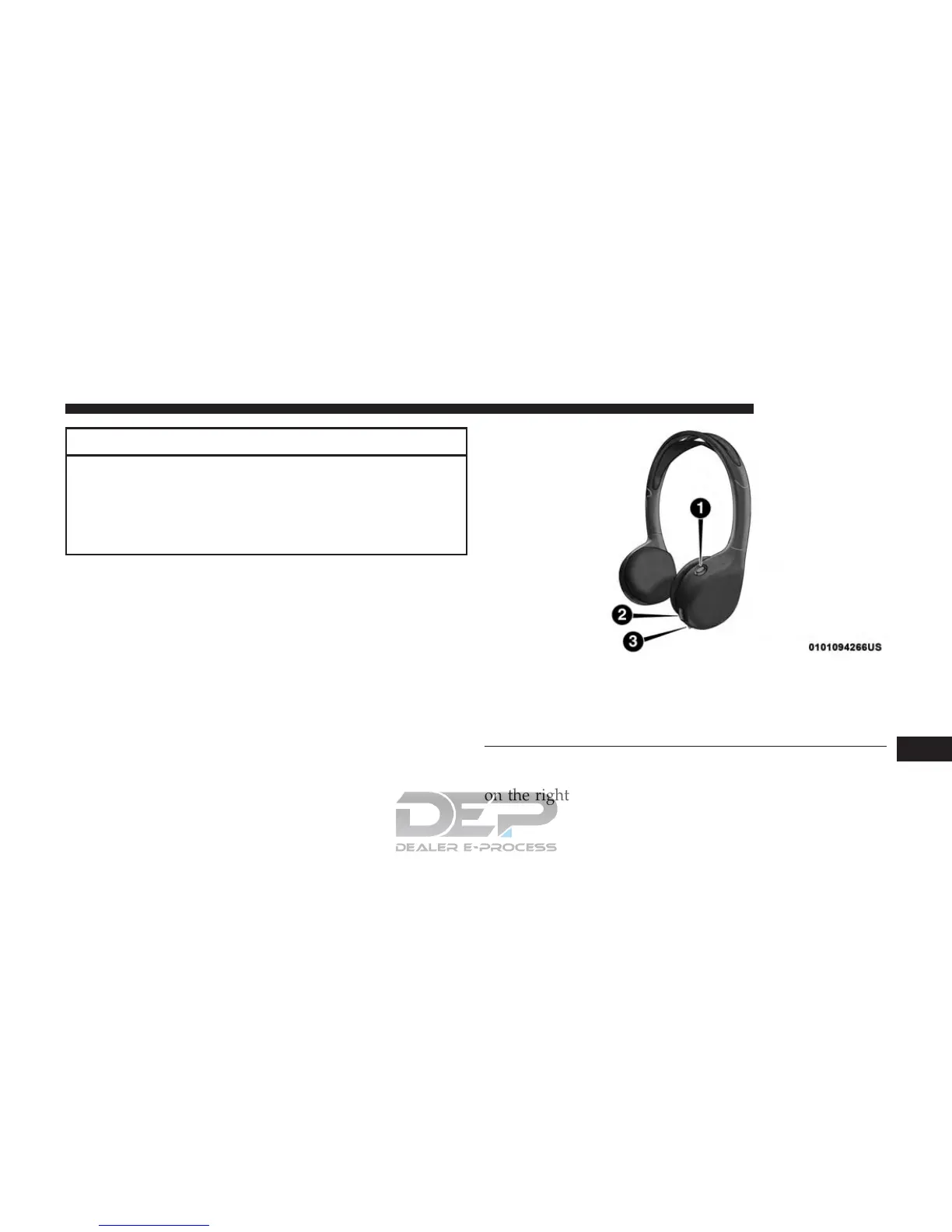
The headphone power indicator and controls are located
on the right ear cup.
Uconnect Theater Headphones
1 — Power ON/OFF Button
2 — Volume Control Wheel
3 — Channel Selection Button
10
MULTIMEDIA 765















 To Next Page