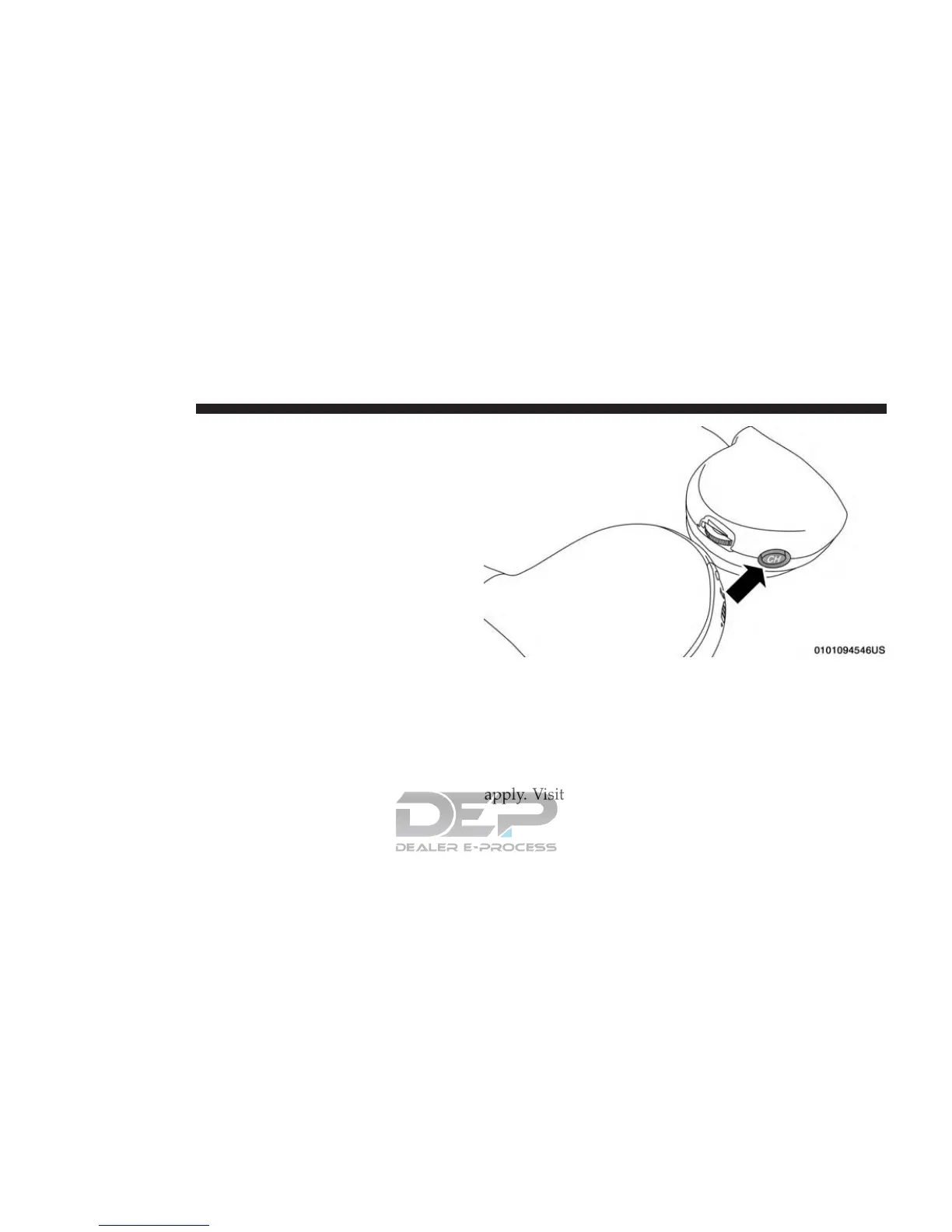
NOTE: Uconnect Theater must be turned on before
sound can be heard from the headphones. To conserve
battery life, the headphones will automatically turn off
approximately three minutes after the Uconnect Theater
system is turned off.
Changing the Audio Mode for Headphones
1. Ensure the remote control and the headphones are on
the same channel.
2. Push the Home button on the remote control.
3. When the Home menu appears on the touchscreen,
use the arrow buttons on the remote control to navi-
gate to the available modes and push the OK button to
select the new mode or use the Gesture Pad at the top
of the remote control.
Replacing The Headphone Batteries
Each set of headphones requires two AAA batteries for
operation.
NOTE: Perchlorate Material — special handling may
apply. Visit dtsc.ca.gov/hazardouswaste/perchlorate
Headphone Channel Selector Button
766 MULTIMEDIA















 To Next Page