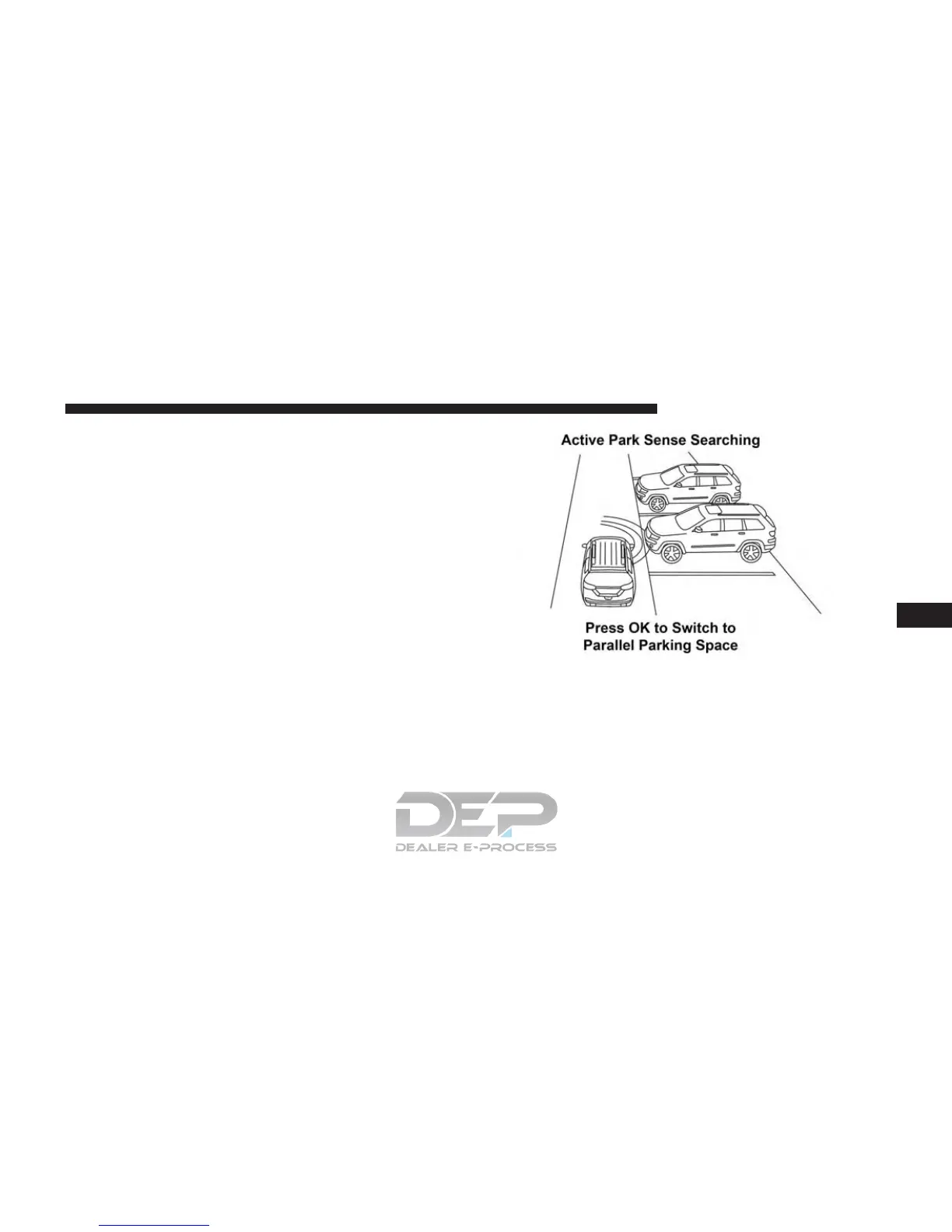
Perpendicular Parking Space Assistance
Operation/Display
When the ParkSense Active Park Assist system is en-
abled, the “Active ParkSense Searching - Press OK for
Perpendicular Park” message will show in the DID
display. Push the OK button on the left side steering
wheel switch to change your parking space setting to a
perpendicular maneuver. You may switch back to paral-
lel parking if you desire.
Once the driver pushes OK for a perpendicular parking
maneuver, the “Active ParkSense Searching - Press OK
for Parallel Park” message will appear in the DID display.
Active ParkSense Searching Display
6
STARTING AND OPERATING 477















 To Next Page