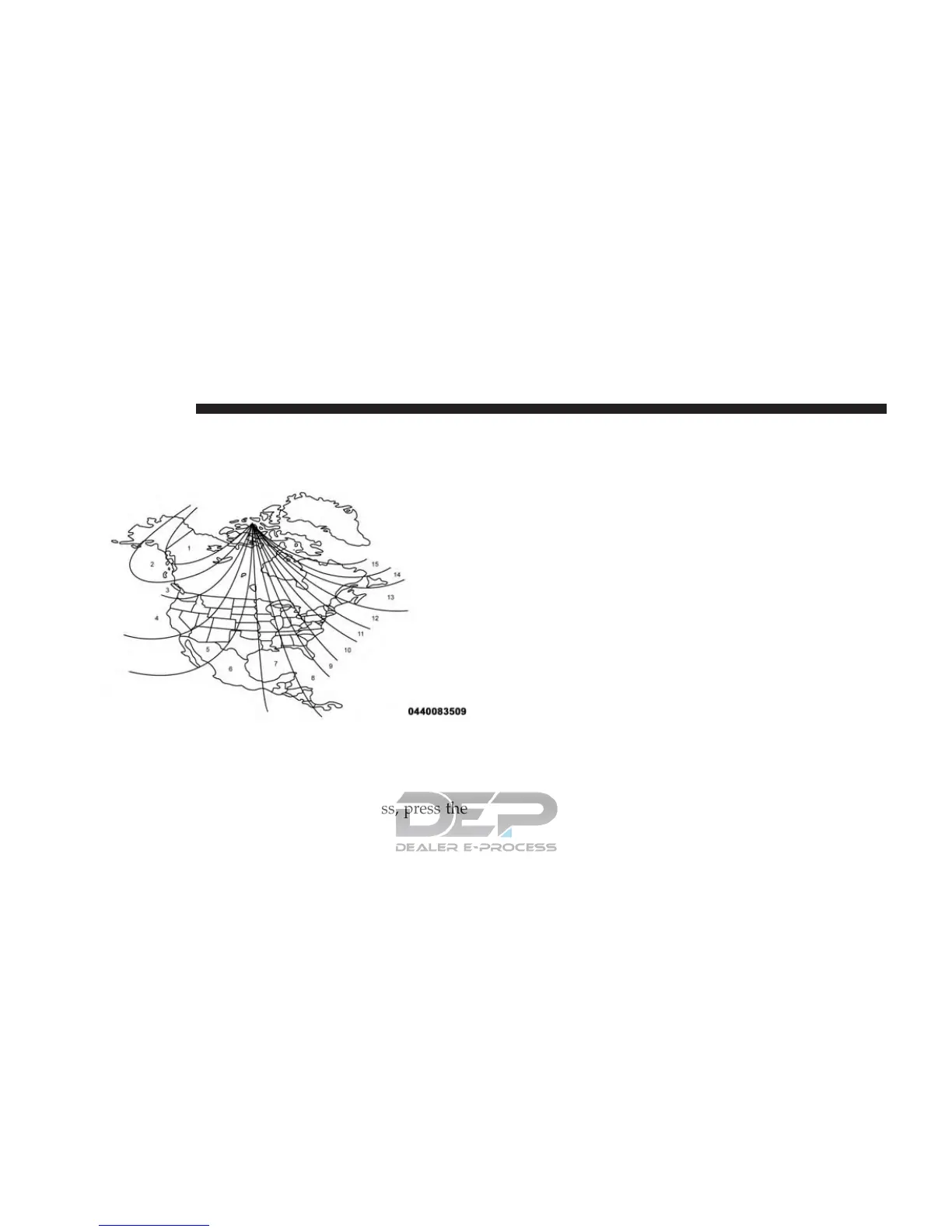
Once properly set, the compass will automatically com-
pensate for the differences when calibrated, and provide
the most accurate compass headings.
• Compass Calibration
Press “Compass Calibration” on the touchscreen to enter
calibration. To start calibration of the compass, press the
“YES” button on the touchscreen and complete one or
more 360-degree turns (in an area free from large metal or
metallic objects). A message will appear on the touch-
screen when the compass has been successfully cali-
brated.
NOTE: Keep magnetic materials away from the rear view
mirror, such as Mobile Phones, Laptops and Radar De-
tectors. This is where the compass module is located, and
it can cause interference with the compass sensor, and it
may give false readings.
Audio
After pressing the “Audio” button on the touchscreen the
following settings will be available:
• Equalizer
When in this display you may adjust the Bass, Mid and
Treble settings. Adjust the settings with the “+” and “–”
Compass Variance Zone Map
714 MULTIMEDIA















 To Next Page