2. Press the “Uconnect Theater” button on the touch-
screen. Refer to “Accessing The System From The
Uconnect Radio” in this section for further informa-
tion.
3. Select Disc or USB from the source controls on the
desired screen (1 or 2).
NOTE: To play a DVD/Blu-ray disc on both screens
simultaneously, select disc from both screen drop downs.
4. Press “Play” button on the touchscreen.
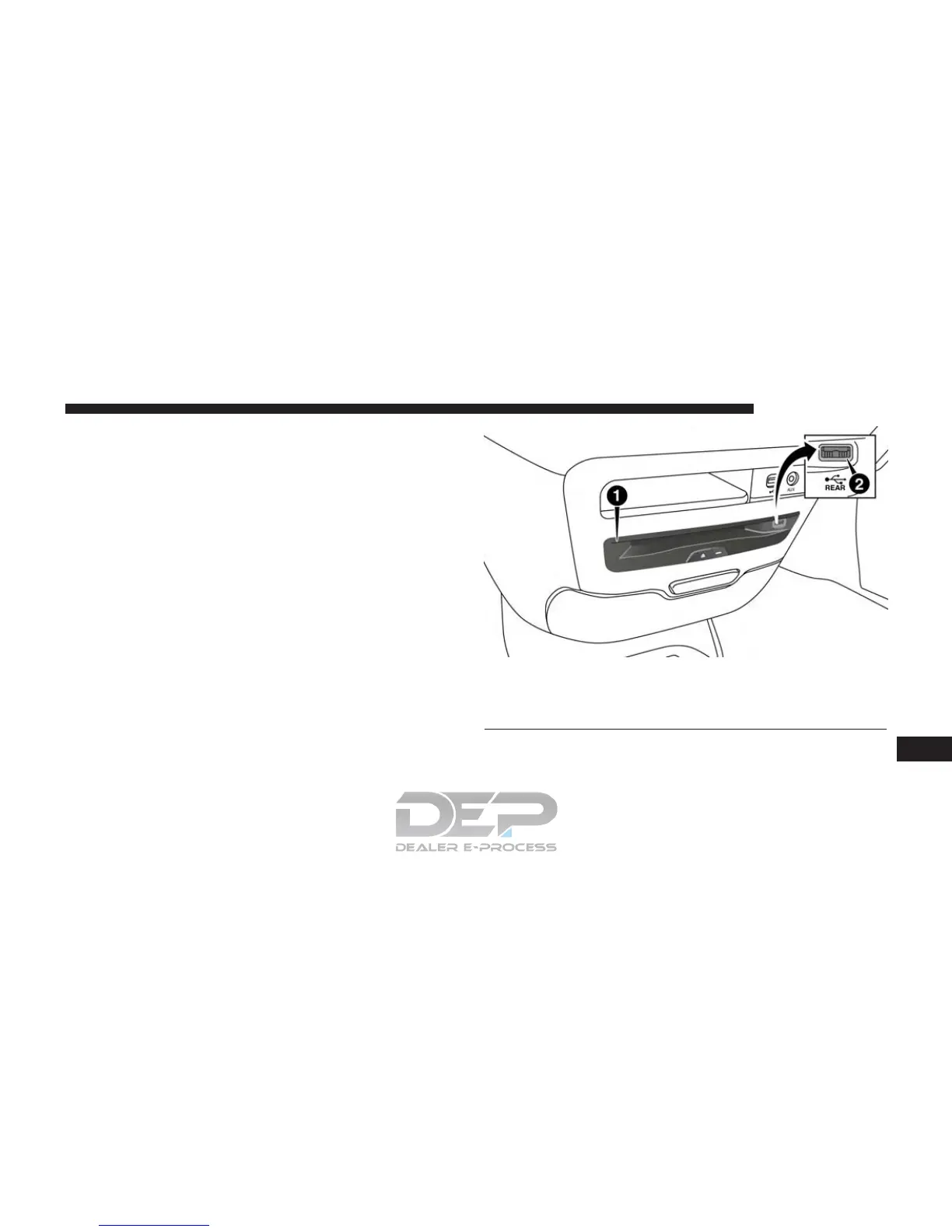
DVD Blu-ray Disc Player
1 — Disc Player (Rear)
2 — Rear Video USB Port
10
MULTIMEDIA 757















 To Next Page