13
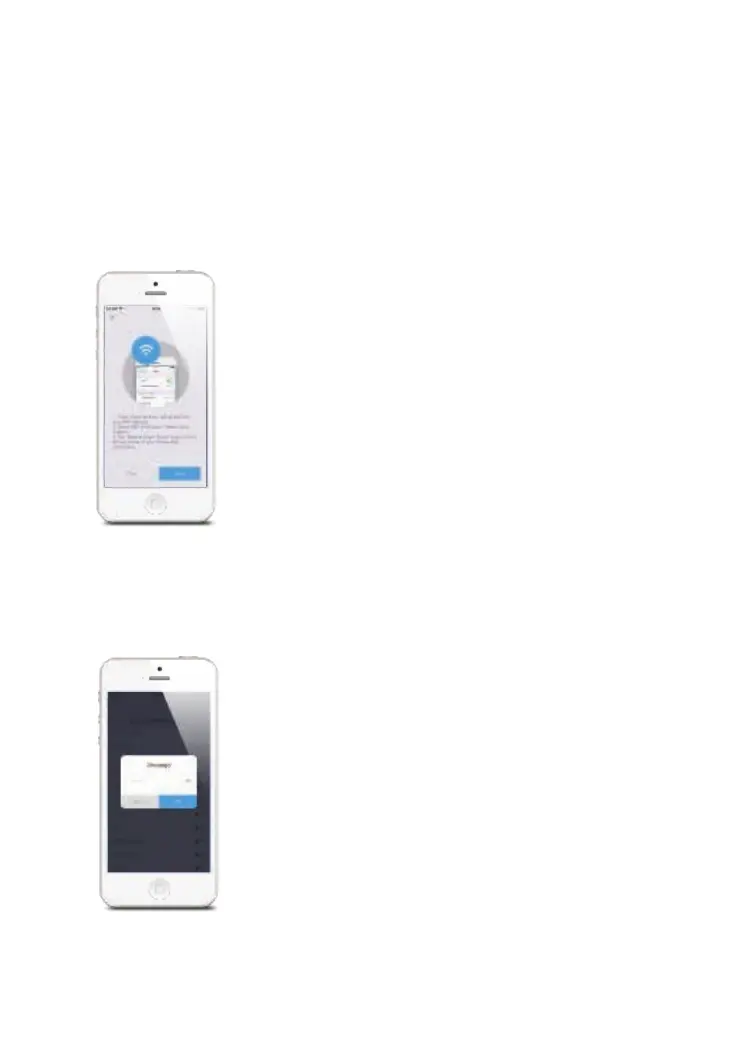
3. Connect the hub to your smartphone
Tap “Next” and select “Home Cloud System” from the WiFi list on your smartphone.
Note: “Home Cloud System” is the hotspot name for connecting to your system.
Android users may need to disable cellular (mobile) data before proceeding to this
step. This setting is normally found in your smartphone’s settings under Data Usage,
or Mobile Networks.
If you’re unable to nd the setting location, we suggest using a search engine with the
following syntax: Disable (Phone Model) cellular data.
4. Enter WiFi details for the hub
Pick your home WiFi network (2.4GHz) from the display listed on the app, and enter
the WiFi network password. This binding process should take about 3 minutes. The
WiFi indicator will stop blinking when the network is connected.



 To Next Page