15
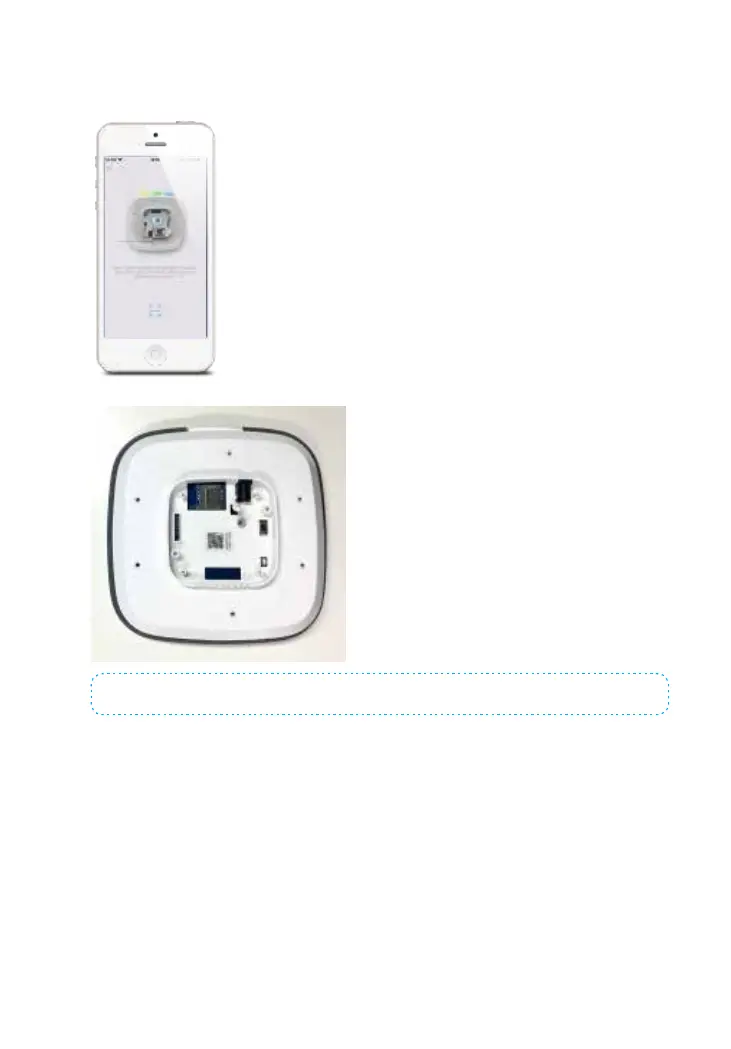
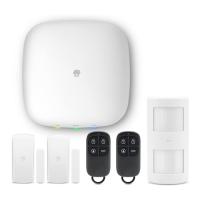
For the second scenario, Select [I don’t have WiFi] when pairing the hub. The app will
require you to scan the UID code at the back side of the hub.
Note: DO NOT scan the QR codes on the Hub or package box.
When the Cellular indicator ashes slowly (once every seconds), it means that the
hub is searching for the signal. When the Cellular indicator ashes quickly (3 times
per second), it means that the Cellular network is connected.
*Note: The APN setting varies from country to country. Please consult the local
operator on how to set the APN correctly.



 To Next Page