© CIAS Elettronica S.r.l. Ed 1.1
Installation Manual Page 36 of 51 Sioux Pro 2
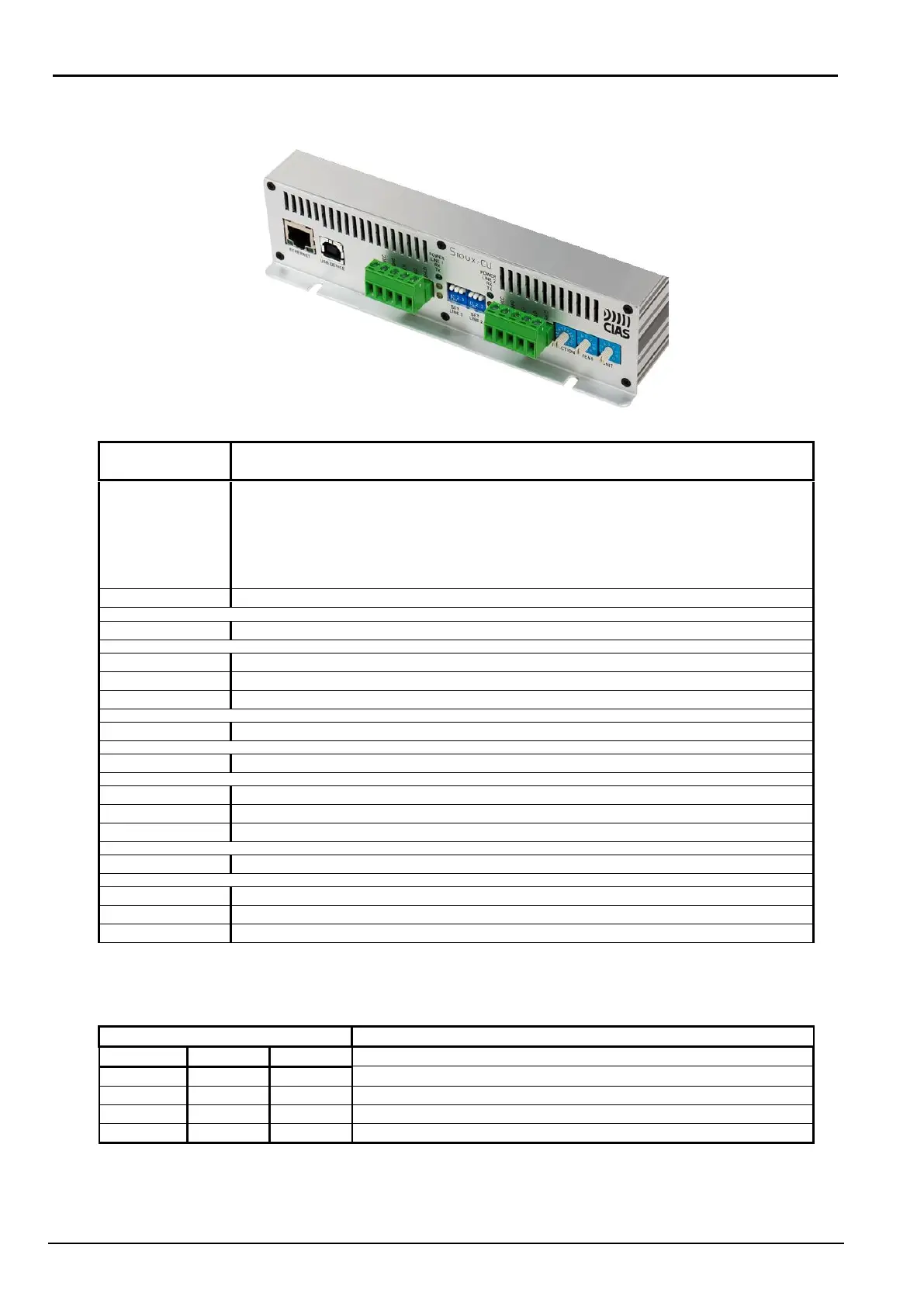
Description of the front panel:
PoE power supply, connection with Sioux-Test-Pro and IB-SystemIP
Default IP address: 192.168.0.189
Port 1024 for Sioux-Test-Pro connection
Port 1025 for IB-SystemIP connection
Port 1027 for Left Branch Redundancy
Port 1028 for Right Branch Redundancy
Connection port for Sioux-Test-Pro
Sensor line left branch (RS485)
Power supply presence LINE 1 (green colour)
RX data LINE 1 (yellow colour)
TX data LINE 1 (yellow colour)
3 dip switches to setup LINE 1 (see note)
Sensor line right branch (RS485)
Power supply presence LINE 2 (green colour)
RX data LINE 2 (yellow colour)
TX data LINE 2 (yellow colour)
3 dip switches to setup LINE 2 (see note)
Rotary switch for the choice of functions
Rotary switch for the choice of a number from 0 to 9 (tens)
Rotary switch for the choice of a number from 0 to 9 (units)
Note: For optimum operation of the serial lines LINE1, LINE2, is recommended to set as factory
default.
LINE1 Termination settings
Line not terminated and not polarised
Line polarised and not terminated (factory default)
Line terminated and not polarised
Line terminated and polarised



 To Next Page