Manuale Istruzioni
Instruction Manual
MODEL MAXIMA XXX V.Y.YY
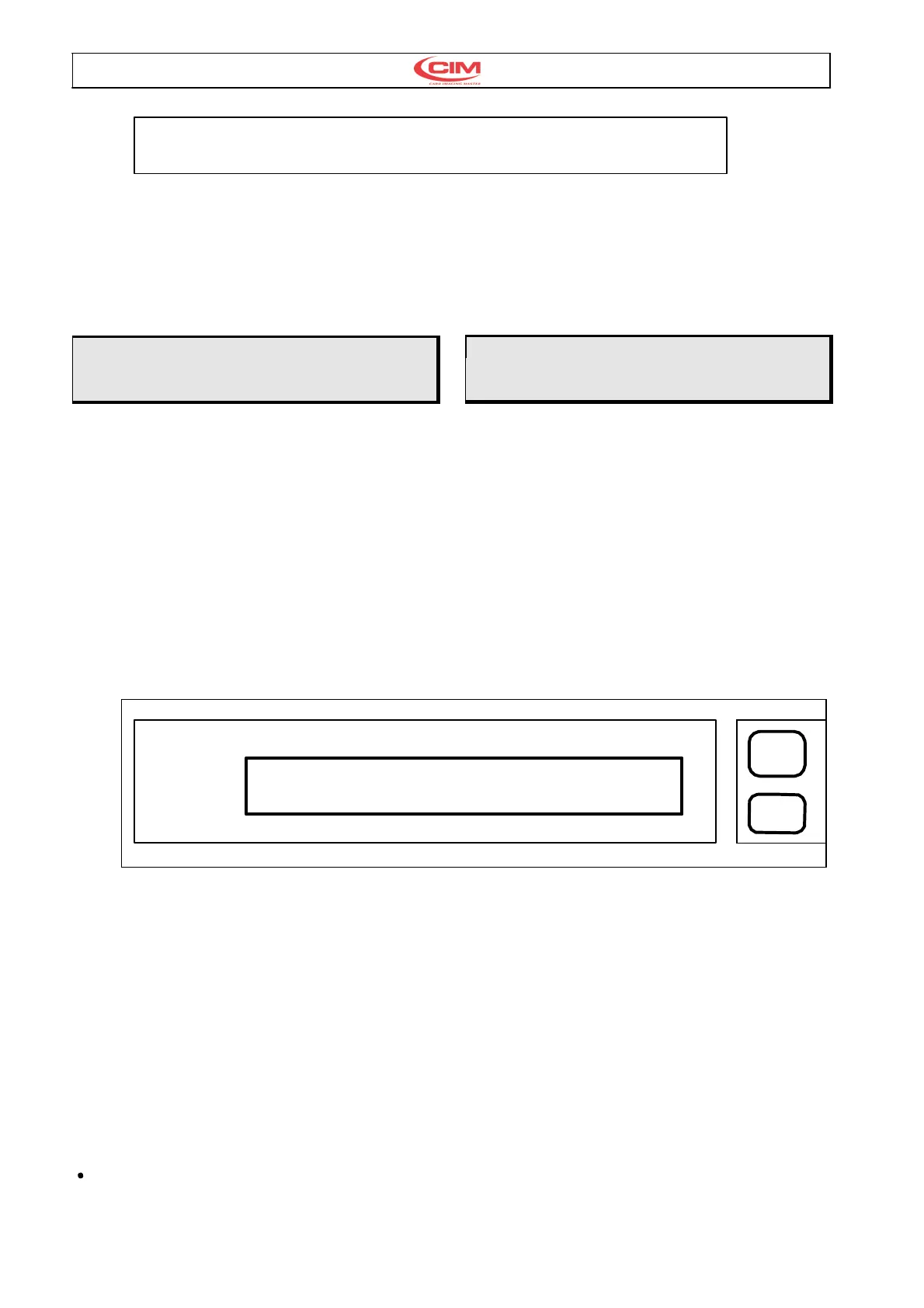
READY
Fig. 6
Se la macchina non si accende controllare che la
tensione alimentazione sia corretta e verificare
l’integrità del fusibile.
Per ulteriori malfunzionamenti vedere capitolo
Messaggi di errore e risoluzione guasti.
If the machine does not start control that the power
supply is correctly set and that the main fuse has
not been shorted.
For other breakdowns please refer to the Chapter
“Error Messages and Problem Solving.
ATTENZIONE se il display si illumina ma non
appare alcuna scritta spegnere e chiamare il
servizio di assistenza.
NOTE: If the display is turned on but nothing
appears on the screen switch the machine off
and call the Technical Assistance.
Ora la macchina è pronta per funzionare. Se si
utilizza il software applicativo di corredo dovrebbe
già poter produrre carte plastiche, se invece si
utilizza un applicativo d’utente occorre verificare la
corretta configurazione dei parametri relativi al
protocollo di comunicazione. Per accedere a detti
parametri bisogna abilitare da Consolle il setup di
macchina.
The machine is now ready to run. If the Software
included is to be used for the production of plastic
cards the machine can start the production
immediately. If however another Software is used it
is necessary to control the relative parameters for
the communications protocol. To do this one
enables the Machine Setup from the console.
3.6. CONSOLLE 3.6. CONSOLE
La consolle di MAXIMA 841 è costituita da un
pannello frontale e da una tastiera a scomparsa.
The console of MAXIMA 841 has two units:
A front control panel and a keyboard.
O
MODEL MAXIMA XXX V.Y.YY
READY
O
PAUSE
START
FEED
Fig. 7
Il pannello frontale è realizzato da:
•
Display a LCD di 2 righe per 40 caratteri che
verrà utilizzato per segnalare gli stati operativi
della macchina.
•
Tasto PAUSE-START
•
Tasto FEED
•
LED di colore rosso (in alto) per indicare lo stato
di errore.
•
LED di colore verde per indicare che la macchina
è accesa.
The following list describes the structure of the front
control panel
•
An LCD display ( 2 rows with 40 characters per
row ) which is used to indicate the operating
states of the machine.
•
A PAUSE-START key.
•
A FEED key
•
A red coloured LED (top) to signal any error
•
A green coloured LED (bottom) to signal that the
machine is switched on.
La tastiera a scomparsa è composta da:
10 tasti numerici da 0 a 9.
The following list describes the structure of the
Keyboard
•
10 numeric keys. (0 - 9 )



 To Next Page