Manuale Istruzioni
Instruction Manual
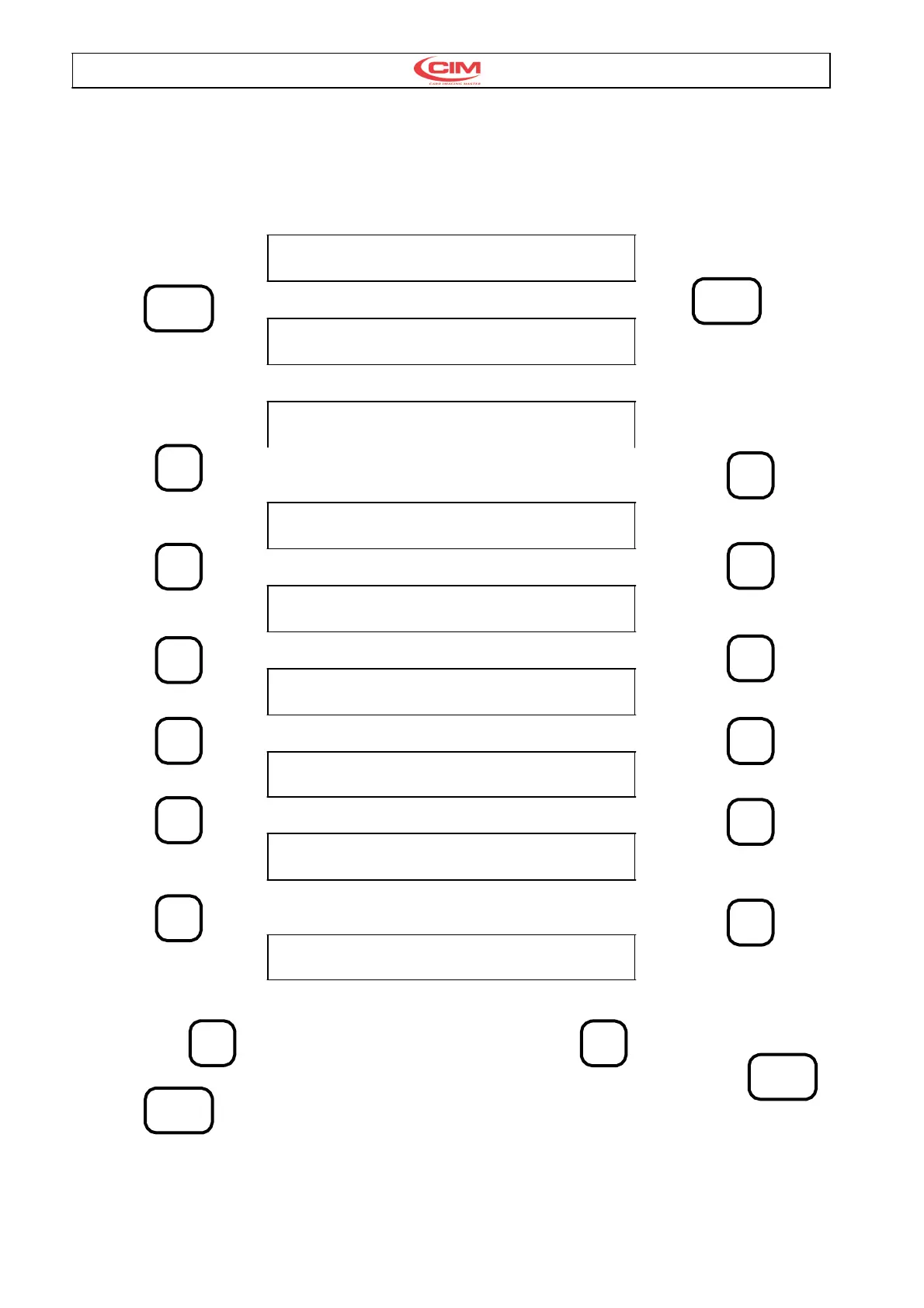
4.2. INIZIO PROGRAMMAZIONE 4.2. GENERAL PROGRAMMING
OF THE MACHINE
Stato iniziale : Initial state
MODEL MAXIMA XXX V.Y.YY
READY
Premere SETUP Press SETUP
SETUP EMBOSSER
PASSWORD ?
Digitare la password Enter the password.
CONFIGURATION PARAMETERS
Premendo � Press the � key
SERIAL INTERFACE
Premendo � Press the � key
MECHANICAL PARAMETERS
Premendo � Press the � key
PROTOCOLS
Premendo � Press the � key
PASSWORD
Premendo � Press the � key
EMBOSSING WHEEL
Premendo � Press the � key
KEYPAD LCD
Questo è l'ultimo menu; per posizionarsi su un'altro
menu utilizzare
Per entrare nelle voci del menu selezionato
premere ENTER
NOTA : Se durante la procedura di setup non viene
premuto un tasto per 2 minuti la macchina ritorna allo
stato di READY.
This is the last menu; to select another use the
direction keys
To enter the menu items selected press ENTER
NOTE:The Setup program includes a keyboard
Timeout. If there is a pause of keyboard input for
more than 2 minutes the machine returns to the
READY state.



 To Next Page