Barcode
Getting Familiar with Your FuzzyScan
Thank you for choosing Cino FuzzyScan Bluetooth Cordless Image Scanner.
Powered by the combination of cutting-edge FuzzyScan Imaging Technology
and Bluetooth wireless technology, it not only provides outstanding reading
performance, but also delivers the convenience and freedom of mobility. It’s
ideal for a broad range of applications to unleash your productivity with ease.
This document provides a quick reference for installation and operation. The
complete documentation is available at www.cino.com.tw.
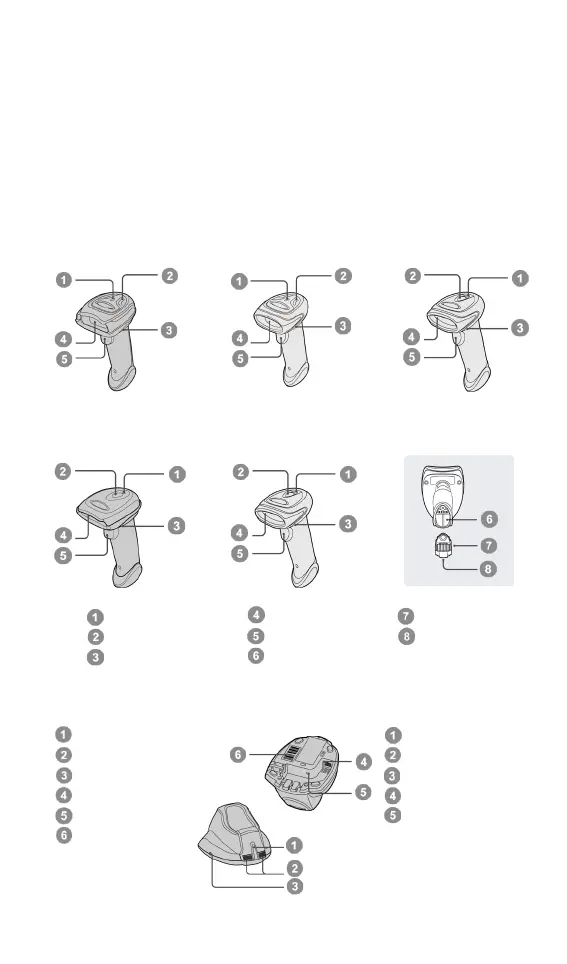
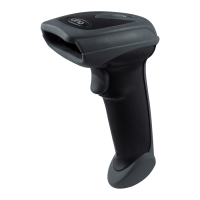
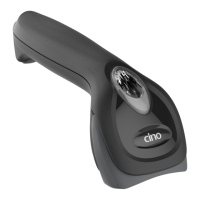
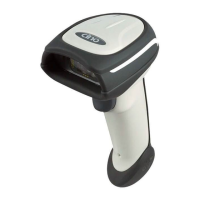
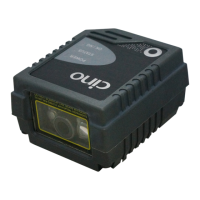
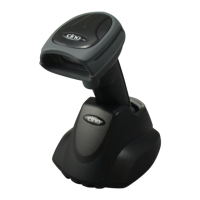
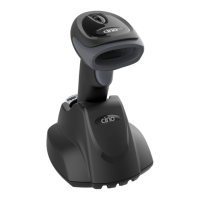
A780BT Series A680BT Series A660BT Series
F780BT & L780BT F680BT & L680BT
HB2112 Smart Cradle HB2100 USB Charging Cradle
Link Indicator
Status Indicator
Power Jack




 To Next Page