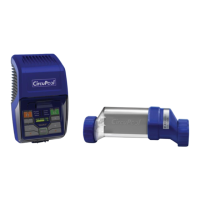
Using the Control Module
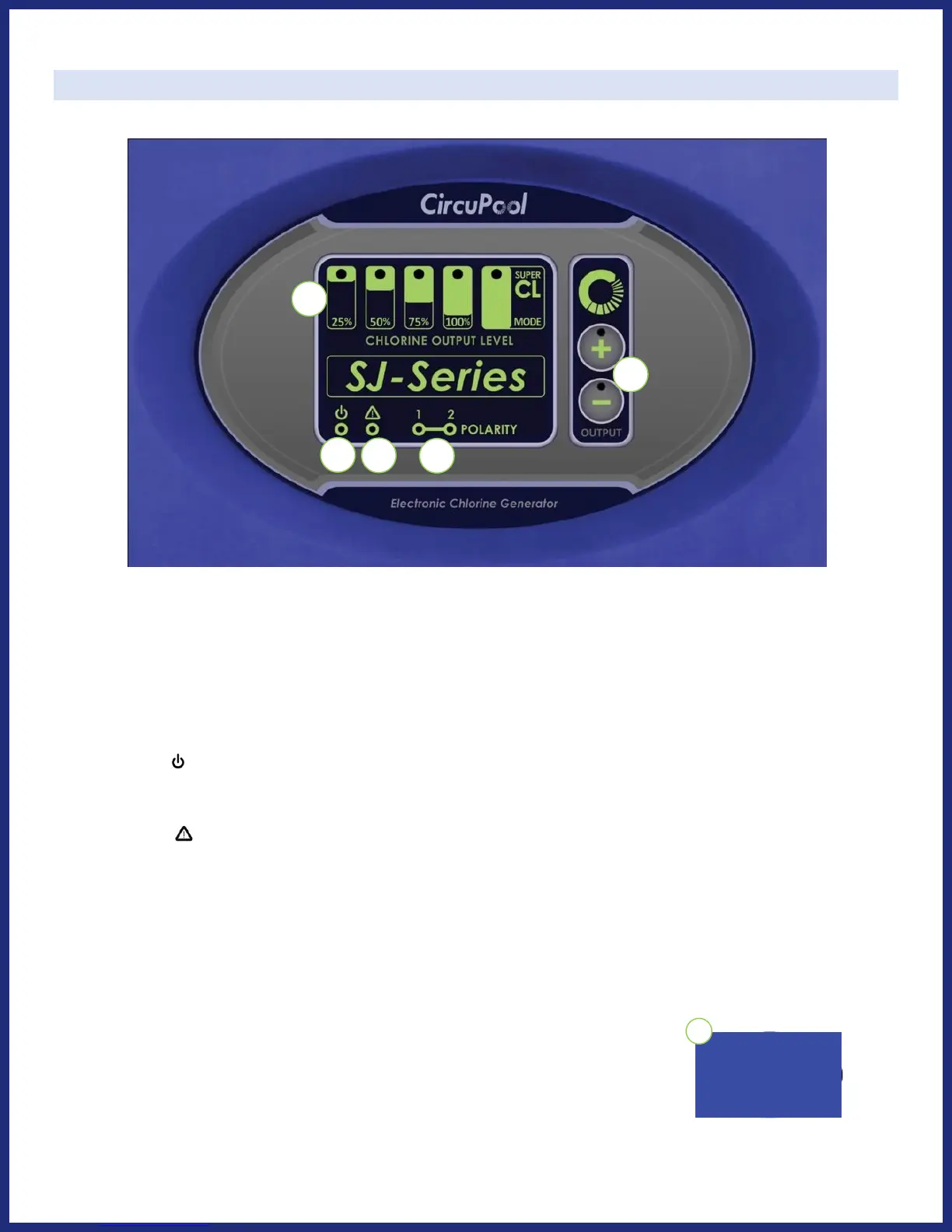
CONTROLS:
1) Chlorine Output Level: The LED indicators display the current level of chlorine output (the rate of
chlorine production). This is the system's power setting that you will choose in order to customize
operation for your pool's needs
2) Power : The green power LED indicator is illuminated during normal operation. If this light is
flashing, see pages 21-22.
3) Service : The amber service LED indicator is illuminated as a simple way to let you know when
maintenance or service is required, see pages 21-22.
4) Polarity: These LED indicators (one green LED, one amber LED) will alternate automatically every 6
hours of operation as part of the system's self-cleaning feature.
5) Chlorine Output Control: Press once to raise (+) or lower (-) your Chlorine Output Level. Raising the
level past 100% will activate the Super CL boost mode (red LED light).
6) On/Off Switch: Press to activate or deactivate main system power.
SAFETY TIP: Always disconnect power at the circuit breaker prior to
attempting any service procedure.



 To Next Page