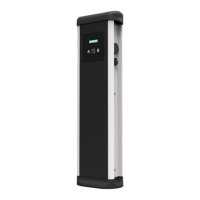
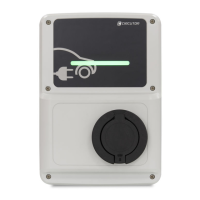
URBAN - URBAN WB
Instruction Manual
13
How to use it?
B
Stop Charging
1. The first step is to show the proximity card to the reader
(3)
Once done, the Led Beacon turns Green and the Display shows the summary
of the charge transaction:
2. Unplug the cable from both sides.
Once done, the connector becomes available and the Display shows the fol-
lowing sequence of messages:
(3)
If the proximity card reader is disabled, charge transaction stops automatically
when a cable is disconnected from the vehicle.



 To Next Page