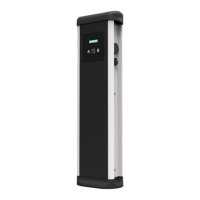
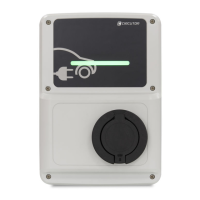
URBAN - URBAN WB
Instruction Manual
15
How to configure it?
Charge Point is delivered with default network setting of “DHCP enabled”.
It means that the charge station will try to obtain an IP address from a DHCP
server available on the network.
Connecting a PC directly with the Charge Point needs to be done with static
IP address. The PC and the Charge Point must be in the same network and
in the same range.
C
Connection
In order to change the IP of the Charge Point, use «IPSetup».
• Enter the MAC of the device
• Enter the desired IP address
• Click on «Configure»
Once this is done, the configuration web page will automatically open in the
default web browser.



 To Next Page