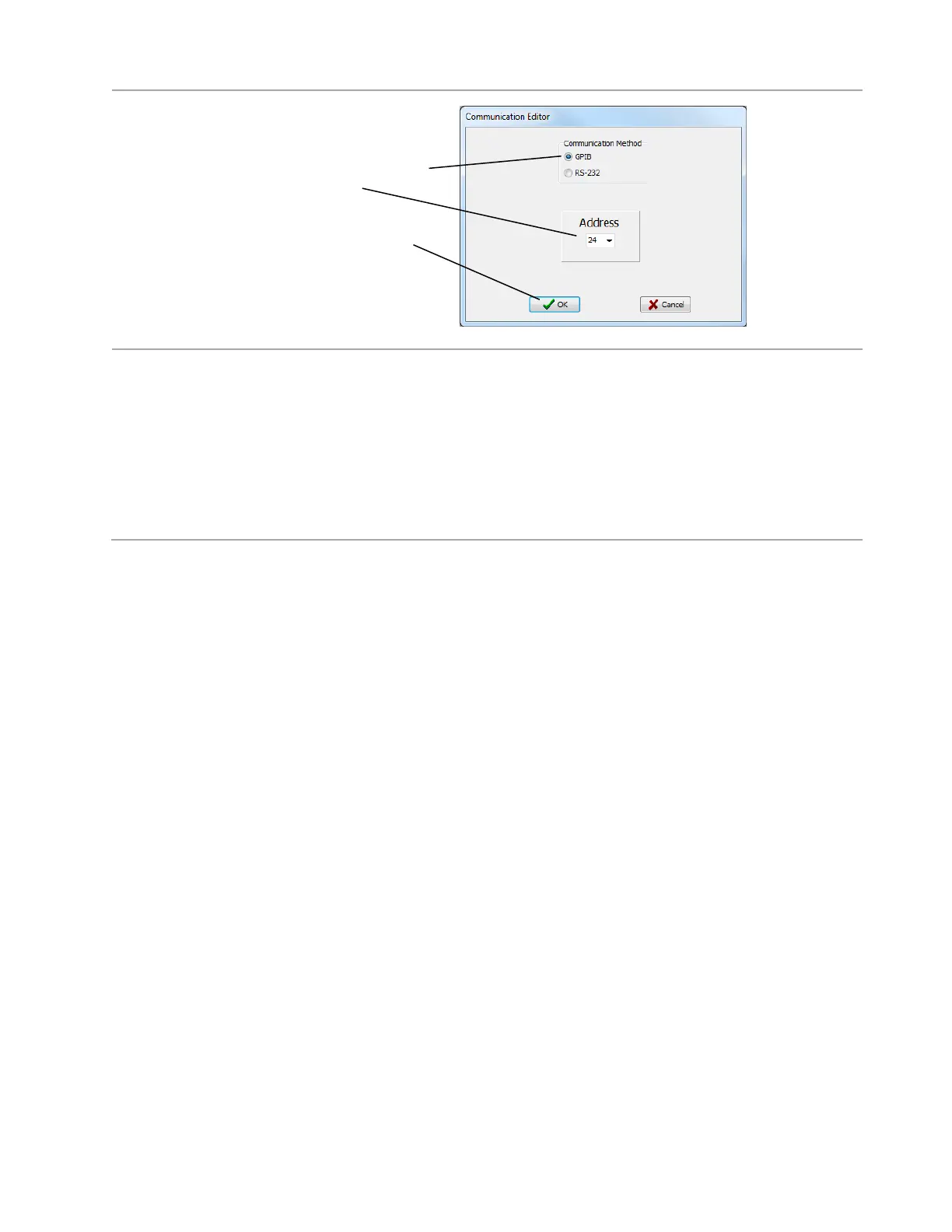
6. In this dialogue box select GPIB and
the address you previously selected on
your external instrument,
then click OK in this dialogue box and
OK again to exit and save the custom
instruction.
Remember: You must use the “Attach 2-wire” or “Attach 4-wire” at the beginning of a test program so that
you can use corresponding 2 or 4-wire custom instructions for a external instrument.
Helpful hint: Inserting both the “Attach 2-wire” and “Attach 4-wire” instruction at the beginning of a test
program is a good practice, allowing you to use any test instruction later in your test program.
Custom Instruction for Specific External Instruments
Having inserted attach instructions for an external instrument at the beginning of your test program, you
can insert other custom instructions for the external instrument. You may also insert custom instructions
from the Common and CH2 Test Instruction Categories documented in the following pages. For
information on the custom instructions for the meter you are using see the following pages:
Keithley SourceMeter Custom Instructions …….. Page 31
Agilent LCR Meter Custom Instructions ………… Page 36
Power Supply Custom Instructions………………. Page 37



 To Next Page