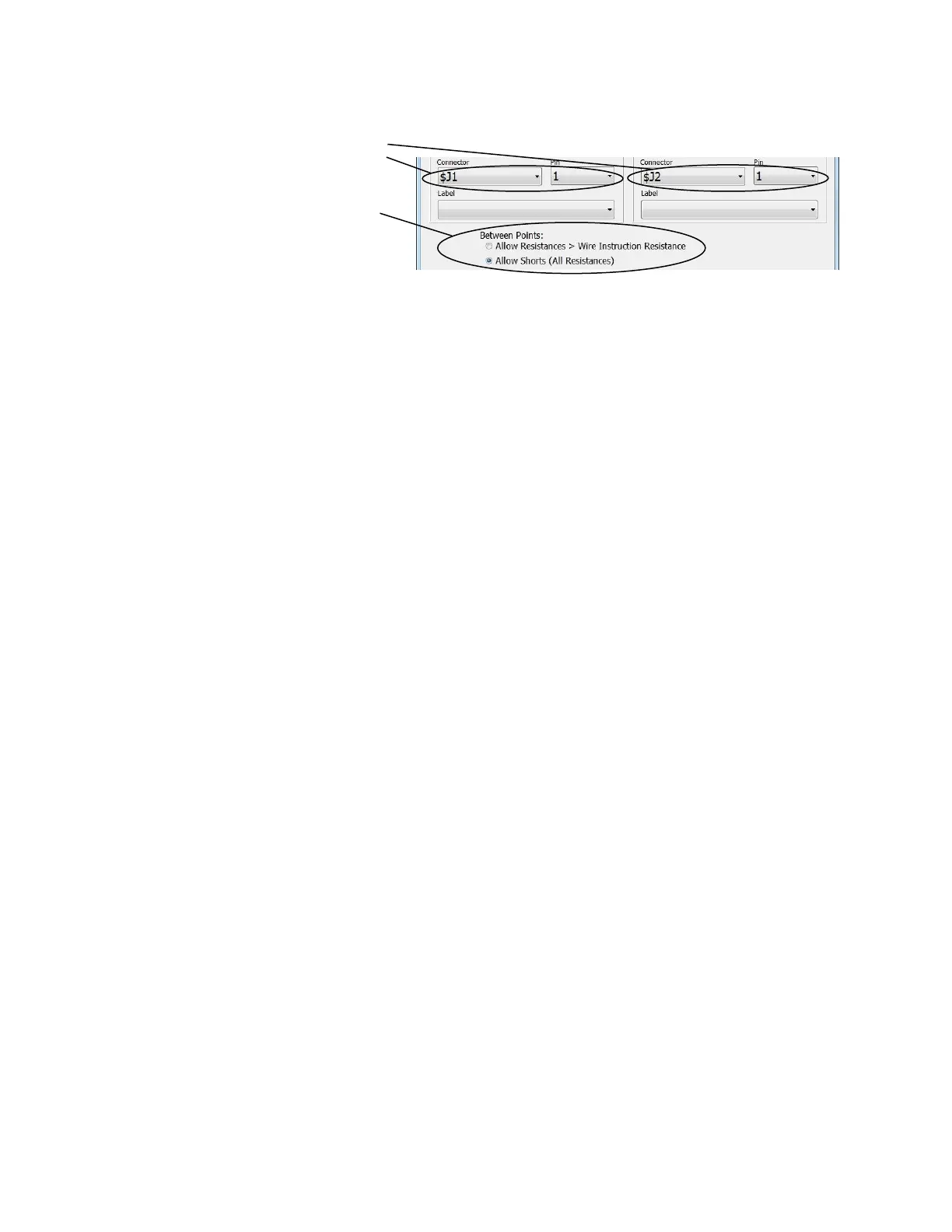
Some of the custom instructions allow
you to setup a measurement between
two test points.
When this is the case, you will see the
“Between Points” setting.
To understand this selection one must understand that Cirris cable testers perform an automatic low
voltage shorts test between DUT nets that should not have a direct connection. This automatic shorts
test can be turned off using the custom instruction Disable Shorts Test. However, typically the automatic
shorts test is left on.
When the shorts test is enabled you must make a selection to determine how the shorts test will look at
any measured resistance between the two specified points. Note with many custom instructions, the two
points will have a resistance between them because of an electrical component.
If Allow Resistances > Wire Instruction Resistance is checked:
The shorts test will pass a resistance between the points specified only if the resistance is above the
resistances used for the wire instructions in the test. Use this option if the resistance between the points
is above that of wire instructions in the test program.
If Allow Shorts (All Resistances) is checked:
The shorts test will pass any resistance between the specified points. Use this option if the resistance
between the points is below that of wire instructions in the test program.



 To Next Page