Optimus sound level meter - Bluetooth and dBActive quick start guide
7
2 UsingyourOpmus+withyourmobiledevicethrough
dBAcve
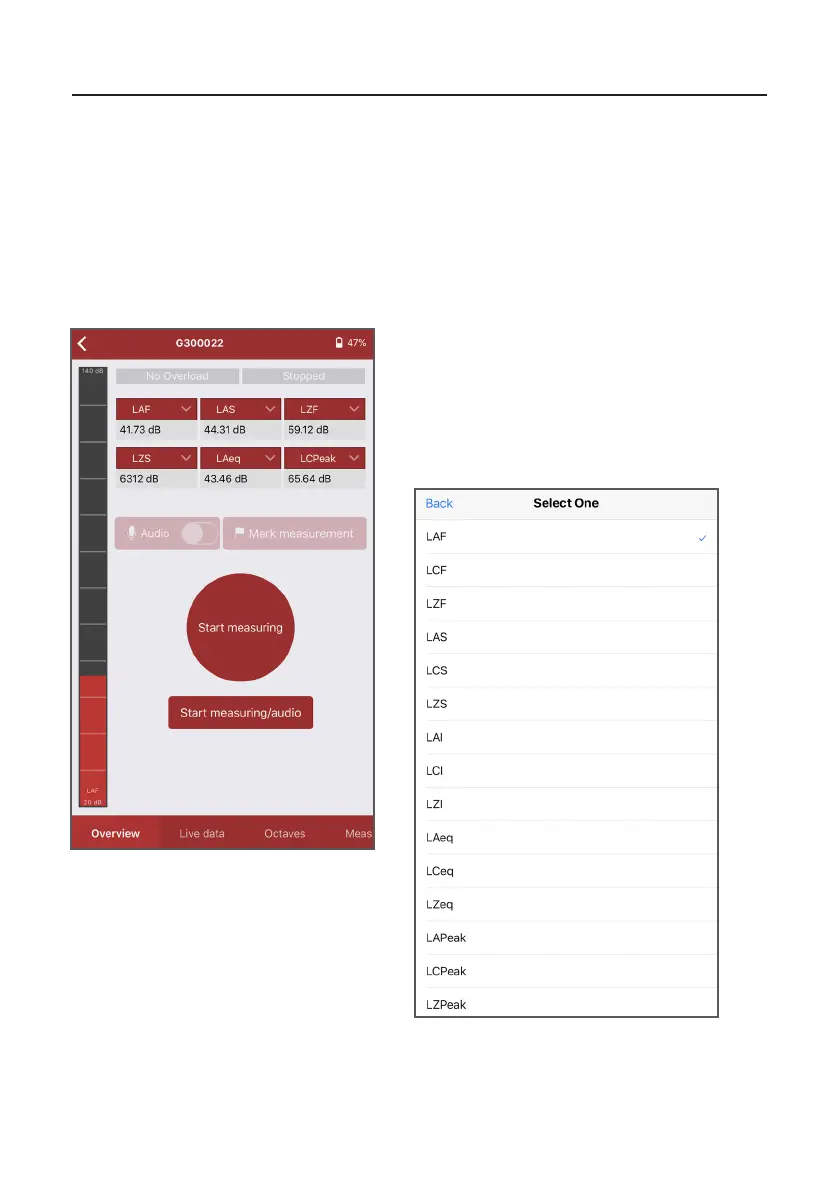
This screen is the default home screen for
dBAcve and displays live noise data for a
number of parameters, each of which can be
changed. Press the arrow on the value you wish
to change. A menu will appear allowing you
to select the value you wish to see (see image
below).
2.1 Viewinglivedata
One of the key features of dBAcve is the ability to view live noise data remotely. This
informaon can be viewed in a number of dierent ways, which are outlined below:
2.1.1 Using the overview screen
Please note: some noise parameters are unavailble on certain variants of the Opmus+.


 To Next Page