43
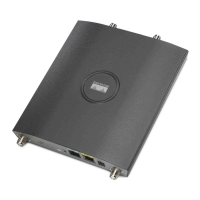
Quick Start Guide Cisco Aironet 1240AG Series Access Point
Note Regarding LED status colors, it is expected that there will be small
variations in color intensity and hue from unit to unit. This is within
the normal range of the LED manufacturer’s specifications and is not
a defect.
Status LED Ethernet LED Radio LED Meaning
Blue — — Normal operating condition;
at least one wireless device
associated.
Light green — — Normal operating condition;
no wireless device associated.
— Blinking
green
— Sending or receiving Ethernet
packets.
— — Blinking
green
Sending or receiving radio
packets.
Blinking dark
blue
Green or
blinking
green
Blinking
green or off
Software upgrade in progress.



 To Next Page
 Loading...