
 Need help?
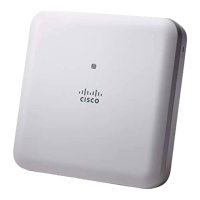
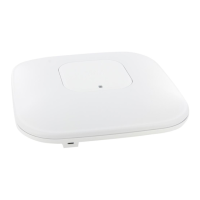
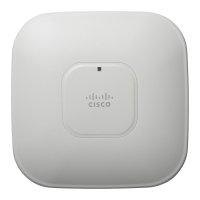
Do you have a question about the Cisco AIR-AP1832I K9 Series and is the answer not in the manual?
Explains how access points discover controllers using CAPWAP protocol for network integration.
Explains how to use the physical mode button for resetting and clearing configurations on the access point.
 General
| Model Number | AIR-AP1832I-K9 |
|---|---|
| Category | Wireless Access Point |
| Frequency Bands | 2.4 GHz and 5 GHz |
| MIMO | 3x3 |
| Antenna Type | Internal |
| Form Factor | Ceiling mount, wall mount |
| Wi-Fi Standards | 802.11a/b/g/n/ac |
| Ethernet Ports | 2x 10/100/1000BASE-T Ethernet (RJ-45) |
| Power Options | 802.3af/802.3at PoE, AC Adapter |
| USB Port | Yes, USB 2.0 |
| Operating Temperature | 0°C to 40°C (32°F to 104°F) |
| Operating Humidity | 10% to 90% non-condensing |
| Security | WPA, WPA2, 802.1X, AES, TKIP |
| Management | Cisco Prime Infrastructure |



 To Next Page
