Step 2 Disconnect the cable from the transceiver module. For reattachment, note which cable connector plug is send
(TX) and which is receive (RX).
Step 3 Insert a dust plug into the optical ports of the transceiver module to keep the optical interfaces clean.
Step 4 If the transceiver module has a bale-clasp latch, pull the bale out and down to eject the module. If you cannot
use your finger to open the latch, use a small, flat-blade screwdriver or other long, narrow instrument to open
it.
Step 5 Grasp the transceiver module, and carefully remove it from the slot.
Step 6 Place the transceiver module in an antistatic bag or other protective environment.
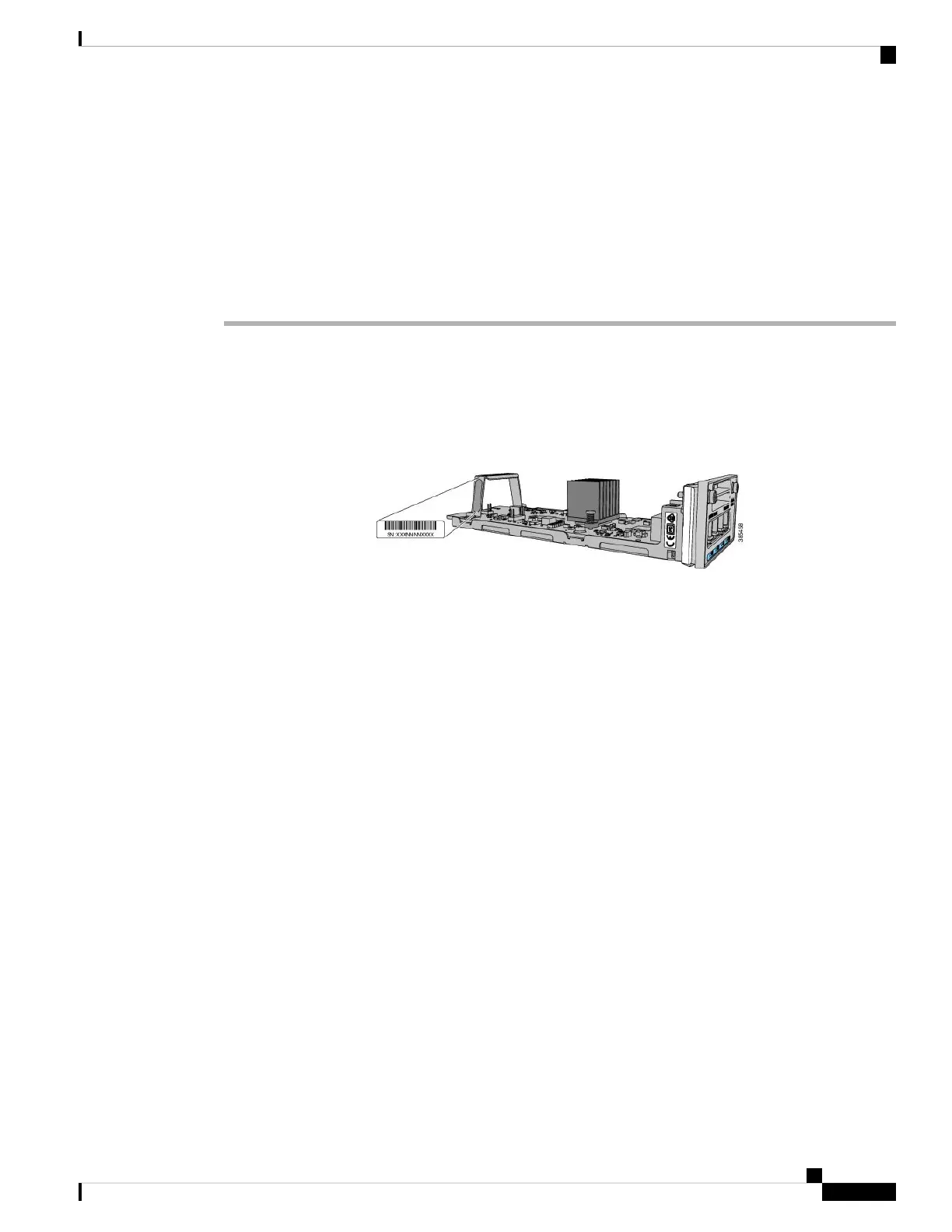
Finding the Network Module Serial Number
If you contact Cisco Technical Assistance regarding a network module, you need to know its serial number.
Figure 45: Network Module Serial Number Location
Cisco Catalyst 9300 Series Switches Hardware Installation Guide
79
Installing a Network Module
Finding the Network Module Serial Number



 To Next Page
 Loading...