Installing a Compact Switch
• Shipping Box Contents, on page 1
• Mounting the Switch, on page 3
• Connecting the System Ground, on page 17
• Attaching the Adapter Bracket to the Switch (Optional), on page 18
• Installing the Power Cord Retainer (Optional), on page 21
• Installing the Cable Guard (Optional), on page 23
• Installing an SFP or SFP+ Module, on page 25
• 10/100/1000 PoE and PoE+ Port Connections, on page 26
• 10/100/1000 Ethernet Port Connections, on page 27
Shipping Box Contents
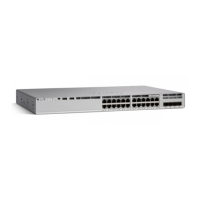
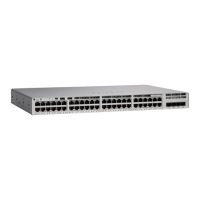
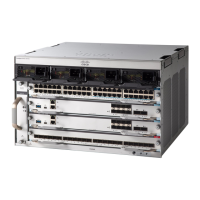
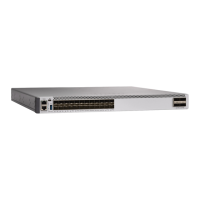
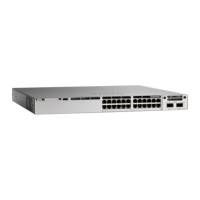
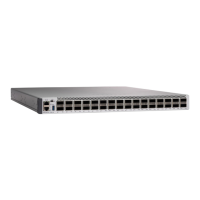
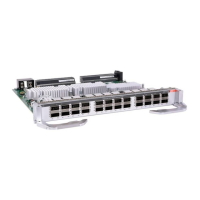
The shipping box contains the model of the switch you ordered and other components needed for installation.
Some components are optional, depending on your order.
Verify that you have received these items. If any item is missing or damaged, contact your Cisco representative
or reseller for instructions. Verify that you have received these items. If any item is missing or damaged,
contact your Cisco representative or reseller for instructions.
Note
Installing a Compact Switch
1

 Need help?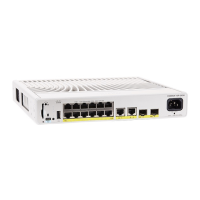




 To Next Page
 General