
 Need help?
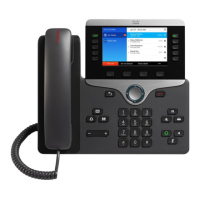
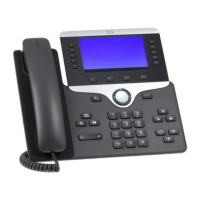
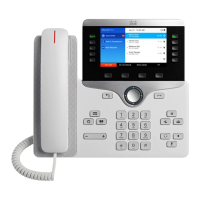
Do you have a question about the Cisco CP-8851 and is the answer not in the manual?
Do not ship enclosure with phone installed; phone must be installed on-site.
Considerations for safe installation, wall support, and qualified personnel.
Remove handset cord, connect power and network cables before installing mounting bracket.
Prepare holes, insert anchors, align backbox, tighten fasteners, and torque to specifications.
Install shunt on JP2 to activate the auto-answer function.
 General
| Protocols | SIP, SCCP |
|---|---|
| Wi-Fi | No |
| Headset Jack | Yes, 3.5 mm |
| Ethernet Switch | 10/100/1000 |
| PoE | IEEE 802.3af Class 3 |
| Audio | Wideband audio (G.722) |
| Connectivity | RJ-45 |
| USB | Yes, 1 USB 2.0 port |
| Lines | 5 |
| Codecs | G.711, G.722, G.729, iLBC |
| Power Options | PoE |
| Security | 802.1X authentication |
| Display | 5-inch widescreen VGA (800 x 480 pixels) color display |



 To Next Page