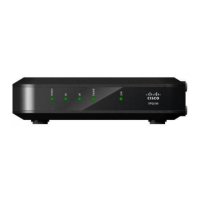
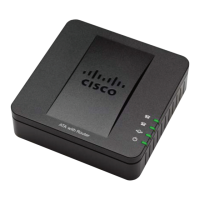
Design and Function
Color-coded connectors and cables for easy installation and setup
Features Plug and Play operation for easy set up and installation
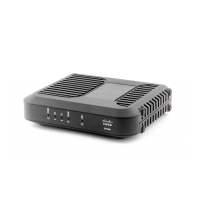
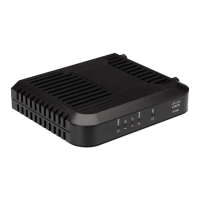
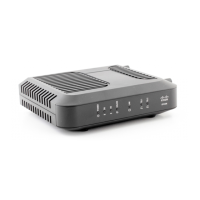
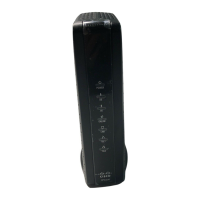
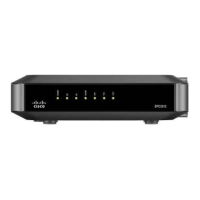
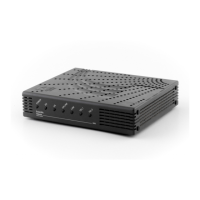
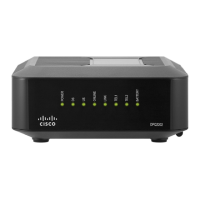
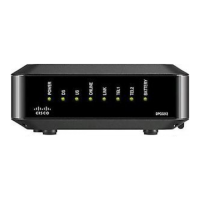
Uses an attractive compact design and a versatile orientation to lie flat or stand
vertically on a desktop or shelf, or mount easily on a wall
LED status indicators on the front panel provide an informative and easy-to-
understand display that indicates the cable modem status and real-time data
transmission activity
Management
Allows automatic software upgrades by your service provider


 To Next Page