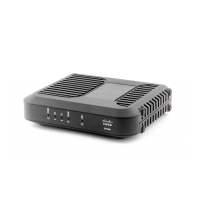
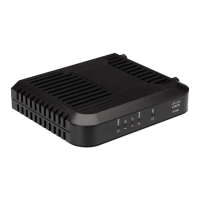
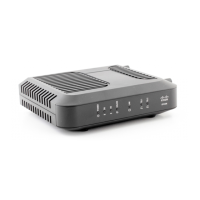
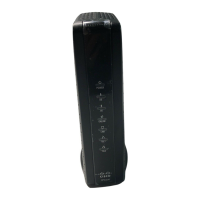
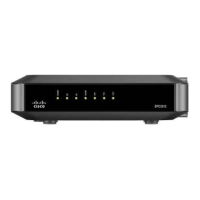
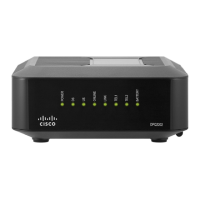
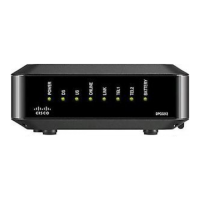
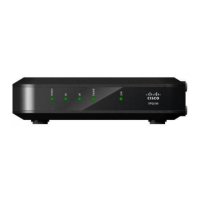
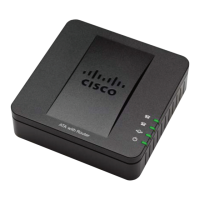
Front Panel LED Status Indicator Functions
Initial Power Up, Calibration, and Registration
The following chart illustrates the sequence of steps and the corresponding
appearance of the cable modem front panel LED status indicators during power-up,
calibration, and registration on the network. Use this chart to troubleshoot the power
up, calibration, and registration process of your cable modem.
Note: After the cable modem completes step 8 (Registration Complete), the modem
proceeds immediately to step 9, Normal Operations. See the table in Normal
Operations (on page 33).
Off - When no devices are connected to the Ethernet or USB ports
On - When devices are connected to the Ethernet or USB ports
Blinks - When data activity is present


 To Next Page