EasyManua.ls Logo

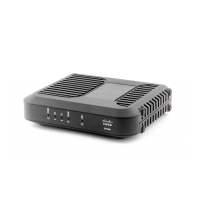
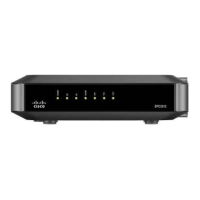
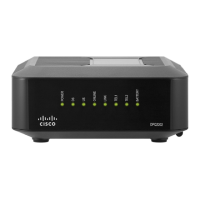
Cisco DPC3848 - Front Panel Description

Cisco DPC3848
34 pages
Print Icon
To Next Page IconTo Next Page
To Previous Page IconTo Previous Page
Loading...
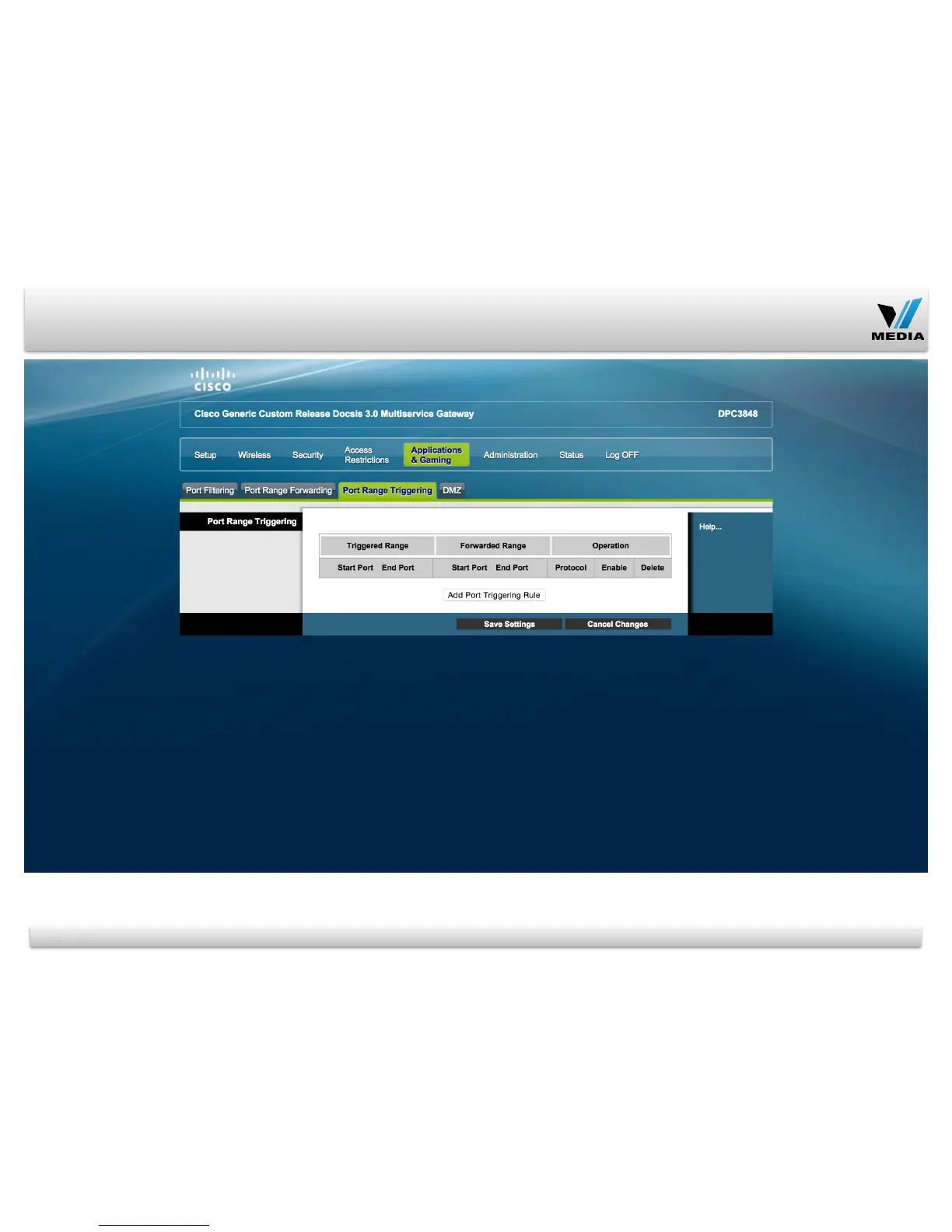
Applications & Gaming Tab / Port Range Triggering
Password to access
modem and Wireless
Security settings can
be changed in this
page
The following wireless
security mode options
are supported: Disable,
WEP, WPA-Personal,
WPA2-Personal,
WPA2-Mixed, WPA-
Enterprise, and WPA2-
Enterprise.
20
This screen allows the
device to watch
outgoing data for
specific port numbers.
The IP address of the
computer that sends
the matching data is
remembered by the
device, so that when
the requested data
returns through the
device, the data is sent
back to the proper
computer by way of IP
address and port
mapping rules. To
trigger a port range,
enter the information
on each line for the
criteria required.

Other manuals for Cisco DPC3848

Related product manuals