EasyManua.ls Logo

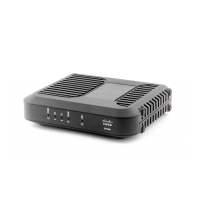
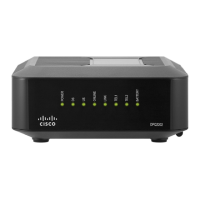
Cisco DPC3848 - Whats In the Carton?

Cisco DPC3848
34 pages
Print Icon
To Next Page IconTo Next Page
To Previous Page IconTo Previous Page
Loading...
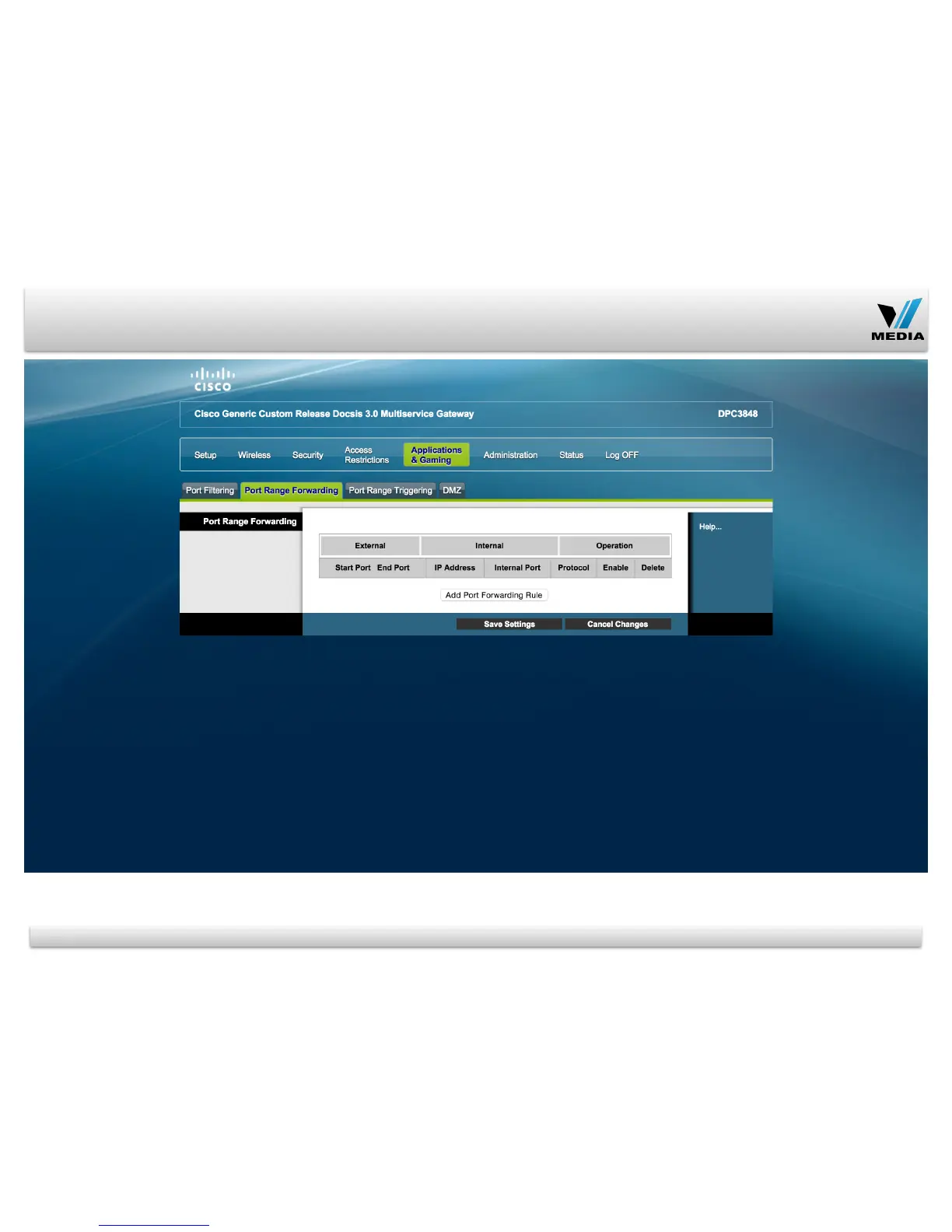
Applications & Gaming Tab / Port Range Forwarding
Password to access
modem and Wireless
Security settings can
be changed in this
page
The following wireless
security mode options
are supported: Disable,
WEP, WPA-Personal,
WPA2-Personal,
WPA2-Mixed, WPA-
Enterprise, and WPA2-
Enterprise.
19
This screen allows you
to set up public
services on your
network, such as web
servers, ftp servers, e-
mail servers, or other
specialized Internet
applications.
(Specialized Internet
applications are any
applications that use
Internet access to
perform functions such
as video conferencing
or online gaming.
Some Internet
applications may not
require any
forwarding.)

Other manuals for Cisco DPC3848

Related product manuals