47
Appendix E: Setting a Static IP Address on Your PC
Wireless-B Media Adapter
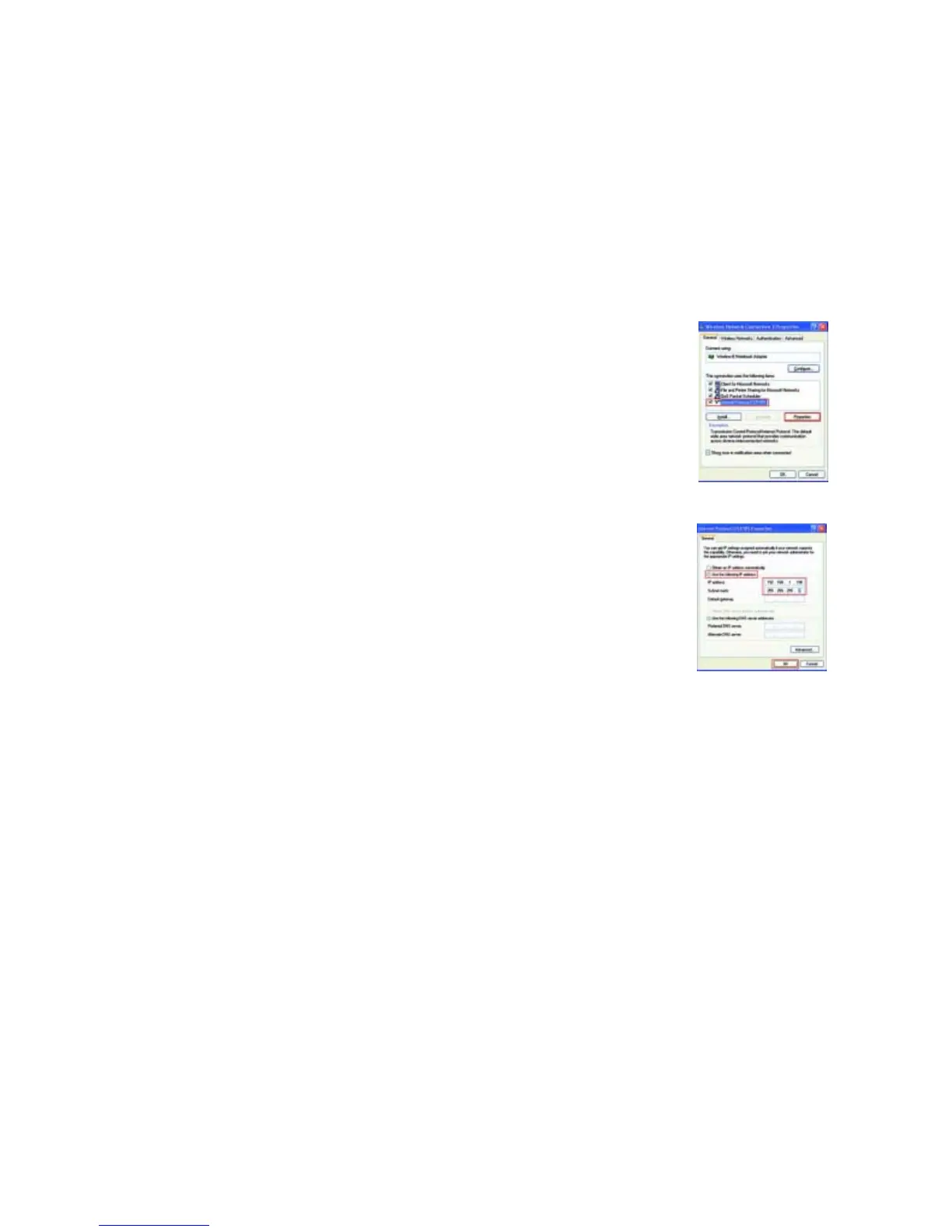
3. On the General tab, select Internet Protocol (TCP/IP). Then click the Properties button. See Figure E-4.
4. Click the radio button next to Use the following IP address. Complete the IP address and Subnet mask fields
with the appropriate information. Then click the OK button. See Figure E-5.
5. Click the OK button again to exit.
Figure E-4: Internet Protocol (TCP/IP)
Figure E-5: IP Address

 To Next Page
 Loading...