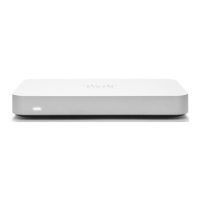
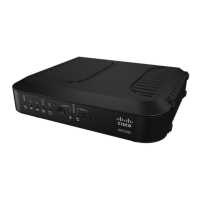
Please note that the serial number is located on the product label on the bottom panel of the Z3C
Mounting Hardware
The supplied wall screws and anchors allow you to mount the gateway on a drywall surface, either vertically or
horizontally. The distance between the holes you drill should be 3-15/32 inches (8.8cm) for Z3 and 5-1/8 inches (13 cm)
for Z3C.
Safety and Warnings
These operations are to be taken with respect to all local laws. Please take the following into consideration for safe
operation:
• Power off the unit before you begin. Read the installation instructions before connecting the system to the power
source.
• Before you work on any equipment, be aware of the hazards involved with electrical circuitry and be familiar with
standard practices for preventing accidents.
• Read the mounting instructions carefully before beginning installation. Failure to use the correct hardware or to
follow the correct procedures could result in a hazardous situation to people and damage to the system.
• This product relies on the building’s installation for short-circuit (overcurrent) protection. Ensure that the protective
device is rated not greater than: 15 A, 125 Vac, or 10A, 240 Vac.
• Please only power the device with the provided power cables to ensure regulatory compliance.
Pre-install Preparation
You should complete the following steps before going on-site to perform an installation.
Configure your Dashboard Network
The following is a brief overview only of the steps required to add an Z3/Z3C to your network. For detailed instructions
9



 To Next Page
 Loading...