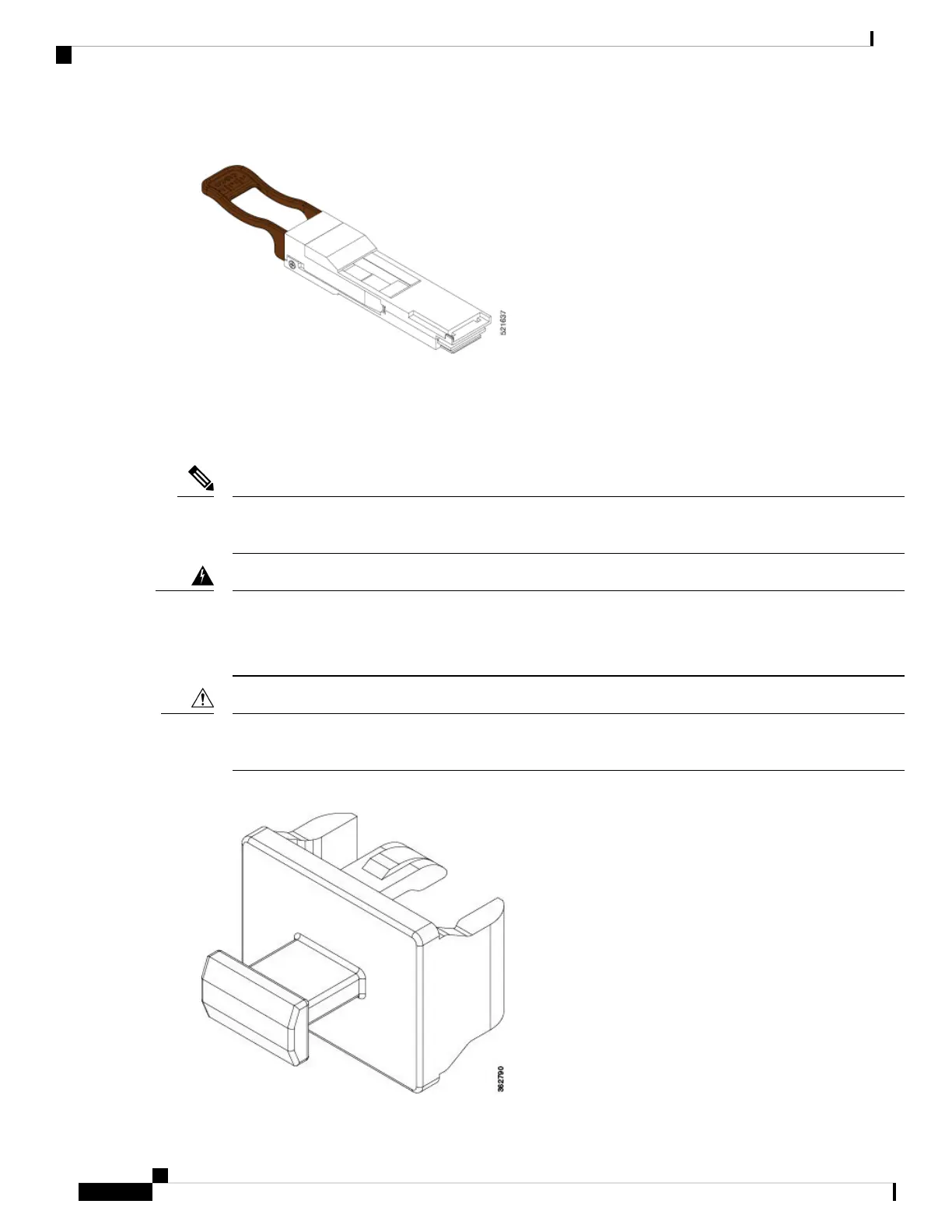
Figure 3: QSFP to SFP+ Adapter
Insert CVR-QSFP-SFP10G in to the QSFP-DD port of the line card, followed by the insertion of the SFP+
pluggable.
Use the show inventory command to get details of the Cisco devices that are installed in the router. The
adapter details are displayed.
The CVR-QSFP-SFP10G support is expected in a future release. Therefore, in release 7.3.15 SFP+ modules
can’t be used.
Note
Statement 1051—Laser Radiation
Invisible laser radiation may be emitted from disconnected fibers or connectors. Do not stare into beams or
view directly with optical instruments.
Warning
Protect the line card by inserting a clean SFP+ module cage cover, shown in the figure below, into the optical
module cage when there is no SFP+ module installed.
Caution
Figure 4: SFP+ Module Cage Cover
Connect Router to the Network
8
Connect Router to the Network
Install and Remove SFP28 and SFP+ Modules








 To Next Page