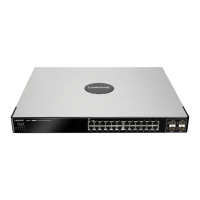
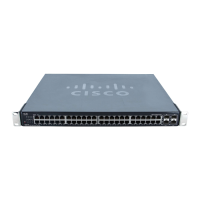
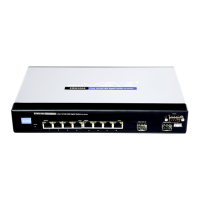
Cisco Ethernet Switch Quick Setup Guide
© MuxLab Inc. 2017 4
Ethernet Switch Setup 3.
3.1. Enabling IGMP
Follow the steps below to enable the IGMP feature on the Ethernet Switch. For further
details on navigating through the Ethernet Switch web server menus, please refer to the
Ethernet Switch manual.
Step 1: Access the Ethernet Switch web server
- Locate the Ethernet Switch default IP address
- Make sure your computer is on the same subnet as the Ethernet Switch
(your network administration can assist you with this, if required)
- Enter the Ethernet Switch IP address into a browser
Step 2: IGMP Snooping Configuration
- Navigate to the menu:
[Multicast → Properties]
- Set the configuration as shown below, and then click [Apply]


 To Next Page
 Loading...