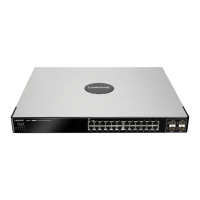
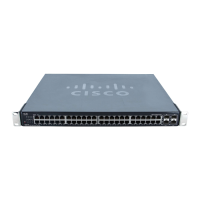
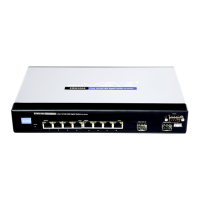
Cisco Ethernet Switch Quick Setup Guide
© MuxLab Inc. 2017 8
3.2. Enabling Jumbo Frames
Follow the steps below to enable the Jumbo Frames feature on the Ethernet Switch. For
further details on navigating through the Ethernet Switch web server menus, please
refer to the Ethernet Switch manual.
Step 1: Enable Jumbo Frames
- Navigate to the menu:
[Port Management > Port Settings]
- Check the “Jumbo Frame” checkbox as shown below, then click [Save]
Step # 2: Save the above configuration changes
- Navigate to the menu:
[Administration > File Management > Copy/Save Configuration]
- Click on [Apply]


 To Next Page
 Loading...