●
Accessing the Setup Page for SGE2000P
Objective
The set up page allows the user to adjust basic settings for the SGE2000P device such as
port and system configuration as well as the current stacking mode.
This document shows the user how to access the setup page for SGE2000P
Applicable Devices
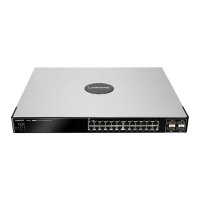
SGE2000P
Accessing the device through console port
Step 1. Connect the switch to the computer through console port.
Step 2. Open Hyper Terminal on your computer.
Note: You will need to use third party Hyper Terminal software for Windows Vista because
this software is not available anymore on this version.
Step 3. You can use any name and then choose the communication port you are using on
the back of the computer.

 Need help?

 To Next Page
 General