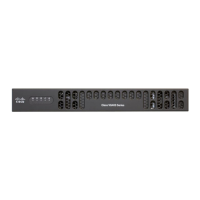
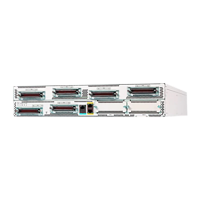
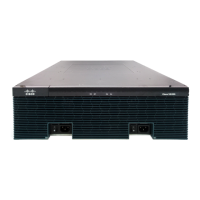
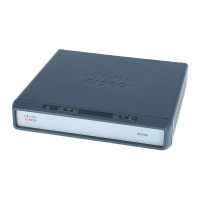
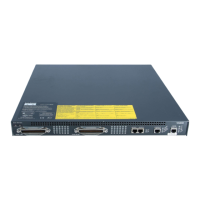
Figure 2: Back Panel of the VG400 Voice Gateway
LED Indicators
The following table summarizes the LED indicators that are located in the bezel side of Cisco VG400 Voice
Gateway:
Table 1:
DescriptionColorRepresentsLED
System power is on and
functions correctly
GreenSystem PowerPWR
System power is on and
in the process of shutting
down
Green blinking
System power is up, but
low level initialization has
failed
Amber
System power is up, but
the system has failed to
come out of reset
Amber blinking
System power is offOff
Cisco VG400 Voice Gateway Hardware Installation Guide
4
Introduction to Cisco VG400 Voice Gateway
LED Indicators

 To Next Page
 Loading...