69
1
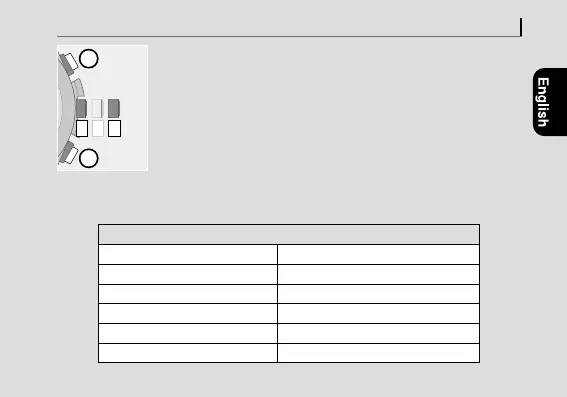
Change the mode to [
CHR
] (page
14
) and pull the
crown out to position
2
.
The hands and indication move to the current reference
positions stored in memory.
• Proceed to the next step when the hands and indication
stop.
2
Press and release both the lower right button
A
and
upper right button
B
simultaneously.
As you release the buttons, the alarm sounds and all reset is
executed.
The setting values after All Reset
Time/calendar
January 1, Sunday of leap year
World time
LON
Summer time (DST)
SMT OFF
at all time zones
Alarm setting
ALM OFF
Alarm time
0:00 AM
Reception result indication
NO
Troubleshooting
0 1 2
2










 To Next Page