DB245 2
Be sure to unfold and read the next page.
Veuillez déployer et vous référer à la page suivante.
Cerciórese de desplegar y de leer la página siguiente.
All Rights Reserved. Copyright © 2003: Clarion Co., Ltd.
Printed in Malaysia / Imprimé en Malaisie / Impreso en Malasia
Clarion Co., Ltd.
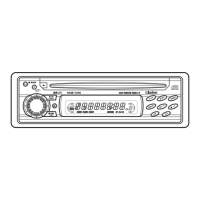
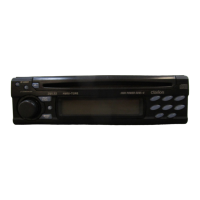
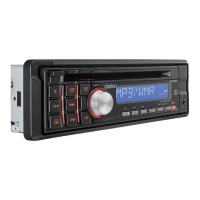
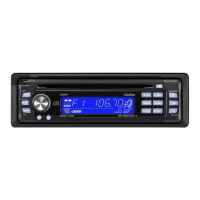
DB346MP
AM/FM CD PLAYER
RADIO AM/FM-LECTEUR CD
RADIO DE AM/FM REPRODUCTOR DE CD
Owner's manual
Mode d'emploi
Manual de instrucciones
PE-2642B
280-8014-00
Contents
1. FEATURES ...................................................................................................................................... 2
2. CONTROLS .................................................................................................................................. 3
Source Unit ...................................................................................................................................... 3
Display ............................................................................................................................................. 3
3. BUTTON TERMINOLOGY .............................................................................................................. 4
Names of the Buttons and their Functions ...................................................................................... 4
4. PRECAUTIONS .............................................................................................................................. 5
5. HANDLING COMPACT DISCS ....................................................................................................... 6
6. DCP (DETACHABLE CONTROL PANEL) ..................................................................................... 7
7. REMOTE CONTROL ....................................................................................................................... 8
Function of Remote Control Unit Buttons ........................................................................................ 9
8. OPERATIONS ............................................................................................................................... 10
Basic Operations ........................................................................................................................... 10
Radio Mode Operations ................................................................................................................. 12
CD Mode Operations ..................................................................................................................... 13
9. TROUBLESHOOTING .................................................................................................................. 15
10. ERROR DISPLAYS ....................................................................................................................... 16
11. SPECIFICATIONS ......................................................................................................................... 17
1. FEATURES
Visible Blue Negative LCD and White Illuminated Buttons
Aluminum Detachable Faceplate
Rotary Volume for Easy Operation
Z-Enhancer with 3 Mode Sound Selector
MAGNA BASS EX for Dynamic Bass Tuning
FM Reception System
Seek / Manual Up / Down Tuning
8-Times Oversampling Digital Filter and Dual 1-Bit D/A Converters
Preset Station Scan (PS), Automatic Store (AS)
2-Channel RCA Line Level Output
AM 1 Band, FM 3 bands each 6 channels total 24 channels, Preset Memory Function
Repeat / Random Play / Intro Music Scan
200W (50 W X 4) Maximum Power Output
IR Remote Control Included
DB245-Cover 20/11/03, 12:17 PM1


 To Next Page
 General