3 DB245 4 DB245
Français
English
English
Español
280-6310-00280-6310-00
Note : Be sure to unfold this page and refer to the front diagrams as you read each chapter.
Remarque: Veuillez déployer cette page et vous référer aux schémas quand vous lisez chaque chapitre.
Nota: Cuando lea los capÍtulos, despliegue esta página y consulte los diagramas.
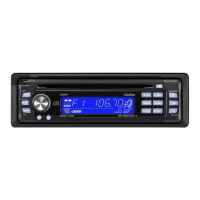
SOURCE UNIT / APPAREIL PILOTE / UNIDAD FUENTE
DISPLAY / AFFICHEUR / VISUALIZADOR
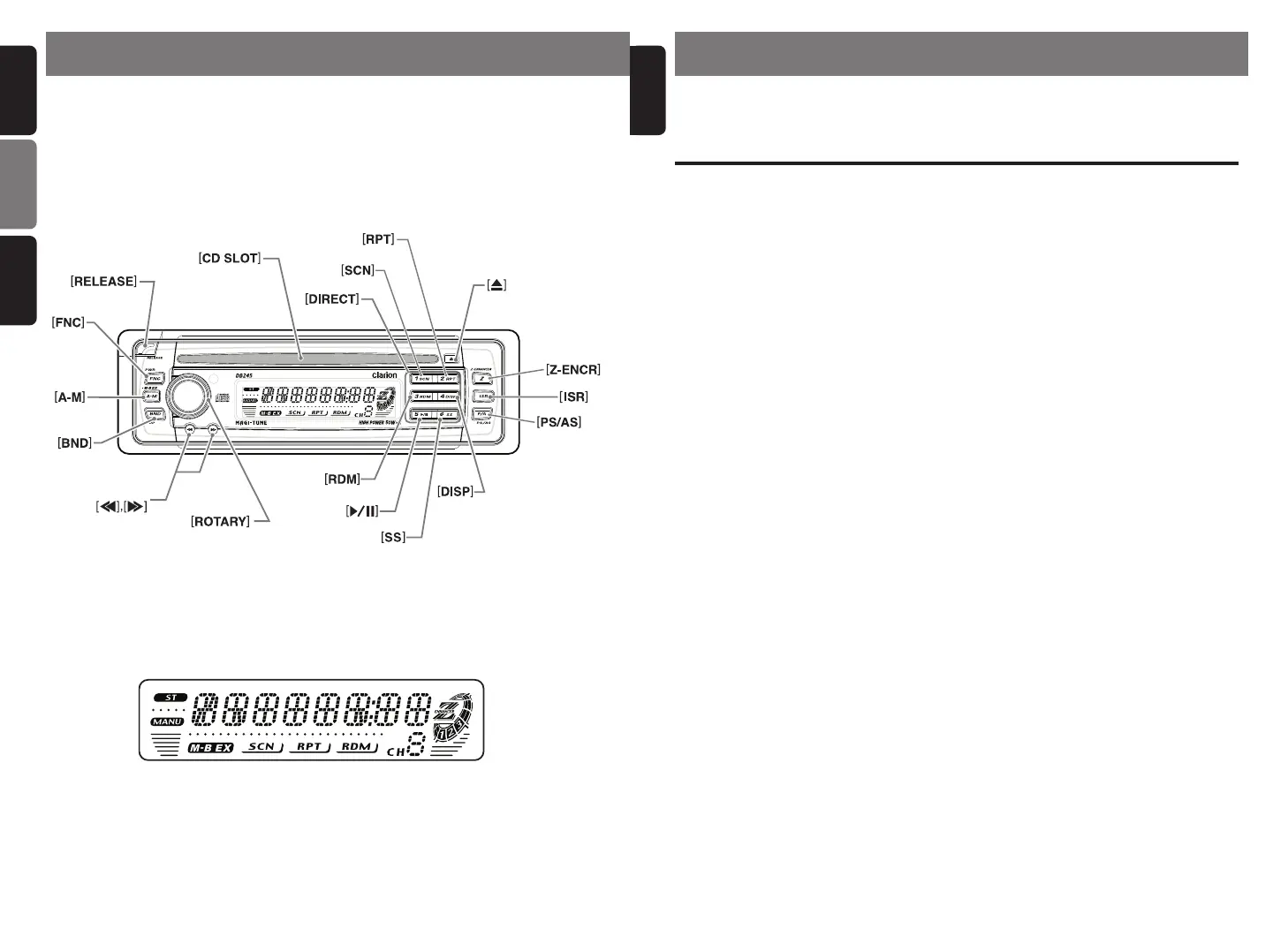
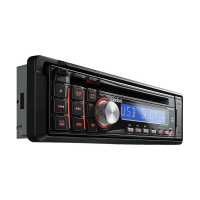
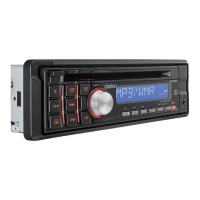
3. BUTTON TERMINOLOGY
Note:
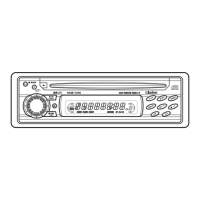
• Be sure to read this chapter referring to the front diagrams of chapter “2. CONTROLS” on page 3.
Names of the Buttons and their Functions
[RELEASE] button
•
Press the [RELEASE] button to unlock the
DCP.
[Z-ENCR] button
• Use the button to select one of the three
types of sound characteristics already stored
in memory. (Z-Enhancer)
[FNC] button
• Press the button to turn on the power.
Press and hold the button for 1 second or
longer to turn off the power.
• Switches the operation mode among radio
and CD mode.
[A-M] button
• Press and hold the button for 2 seconds or
longer to switch the MAGNA BASS EX on/off.
• Use the button to switch to the audio mode
(bass, treble, balance, fader)
[ROTARY] knob
• Adjust the volume by turning the knob clock-
wise or counterclockwise.
• Use the knob to perform various setting.
[CD SLOT]
• CD insertion slot.
[SCN] button
• Performs scan play for 10 seconds for each
track while in the CD mode.
[Q] button
• Ejects a CD when it is loaded into the unit.
[RPT] button
• Plays repeatedly while in the CD mode.
[RDM] button
• Performs random play while in the CD mode.
[ISR] button
• Recalls ISR radio station in memory.
• Press and hold for 2 seconds or longer:
Stores current station into ISR memory (ra-
dio mode only).
[DIRECT] button
• Stores a station into memory or recall it di-
rectly while in the radio mode.
[SS] button
• Press the [SS] button while keeping the
[BND] button pressed, to turn the screen
saver function on or off.
[
ss
ss
s] button
• Plays or pauses a CD while in the CD
mode.
[DISP] button
• Press the [DISP] button while keeping the
[BND] button pressed, to switch the display
indication (Main display, clock display).
[PS/AS] button
• Performs preset scan while in the radio
mode. When the button is pressed and
held, auto store is performed.
[a], [d] button
• Selects a station while in the radio mode or
selects a track when listening to a CD.
• Press and hold the button for 1 second or
longer to switches the fast-forward/fast-
backward.
[BND] button
• Switches the band, or seek tuning or
manual tuning while in the radio mode.
• Plays a first track while in the CD mode.
2. CONTROLS / COMMANDES / CONTROLES
DB245-Cover 20/11/03, 12:17 PM2


 To Next Page