280-8303-00
DB265MP 7
English
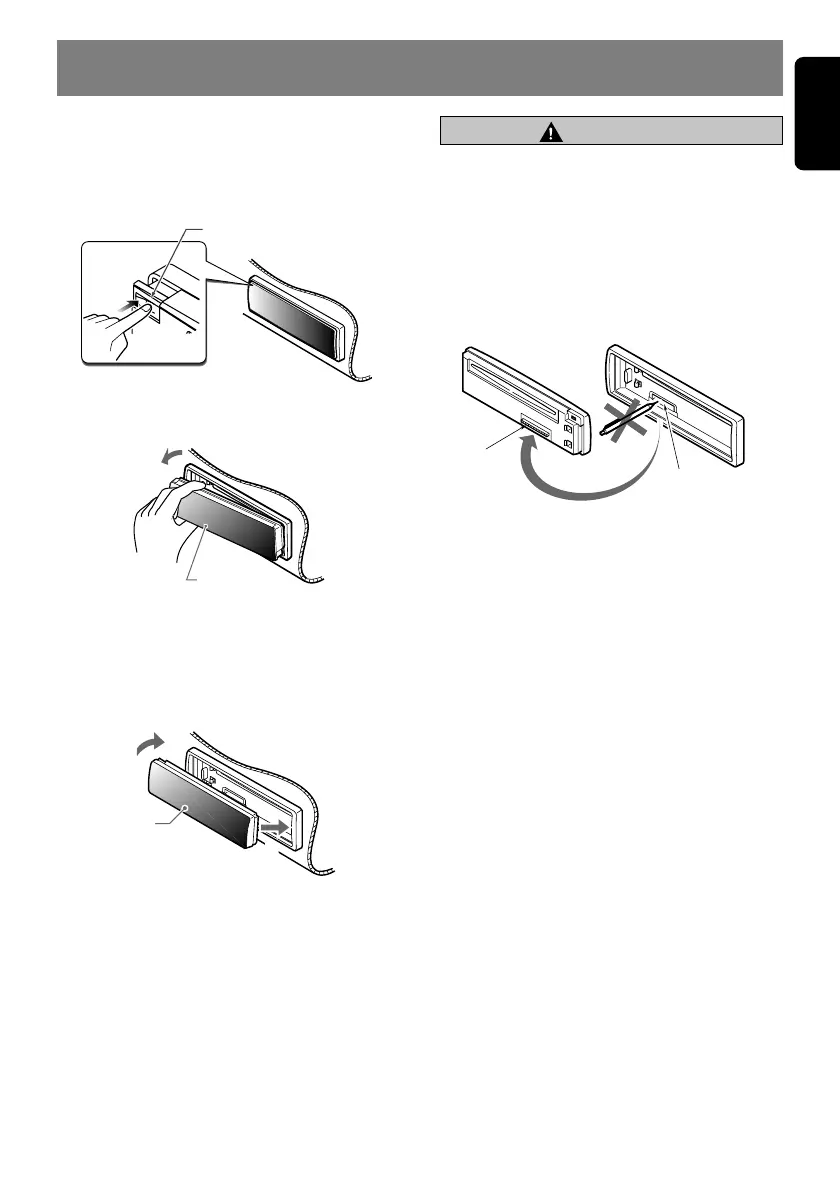
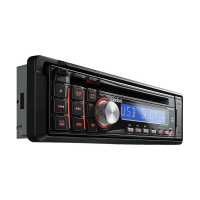
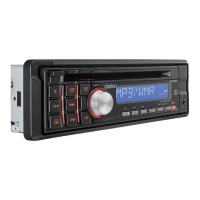
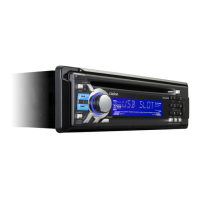
Removing the DCP
1. Press the [SRC] button for 1 second or
longer to switch off the power.
2. Press in the [RELEASE] button.
[
RELEASE
]
button
∗ The DCP is unlocked
3. Remove the DCP.
DCP
Attaching the DCP
1. Insert the right side of the DCP into the main
unit.
2. Insert the left side of the DCP into the main
unit.
DCP
2.
1.
6. DCP (Detachable Control Panel)
• The DCP can easily be damaged by
shocks. After removing it, be careful not to
drop it or subject it to strong shocks.
• The connector connecting the main unit
and the DCP is an extremely important
part. Be careful not to damage it by
pressing on it with fingernails, pens,
screwdrivers, etc.
DCP Rear Panel Main Unit Front
Main unit connector
DCP
connector
Note:
• If the DCP is dirty, wipe off the dirt with a soft, dry
cloth only.
CAUTION


 To Next Page