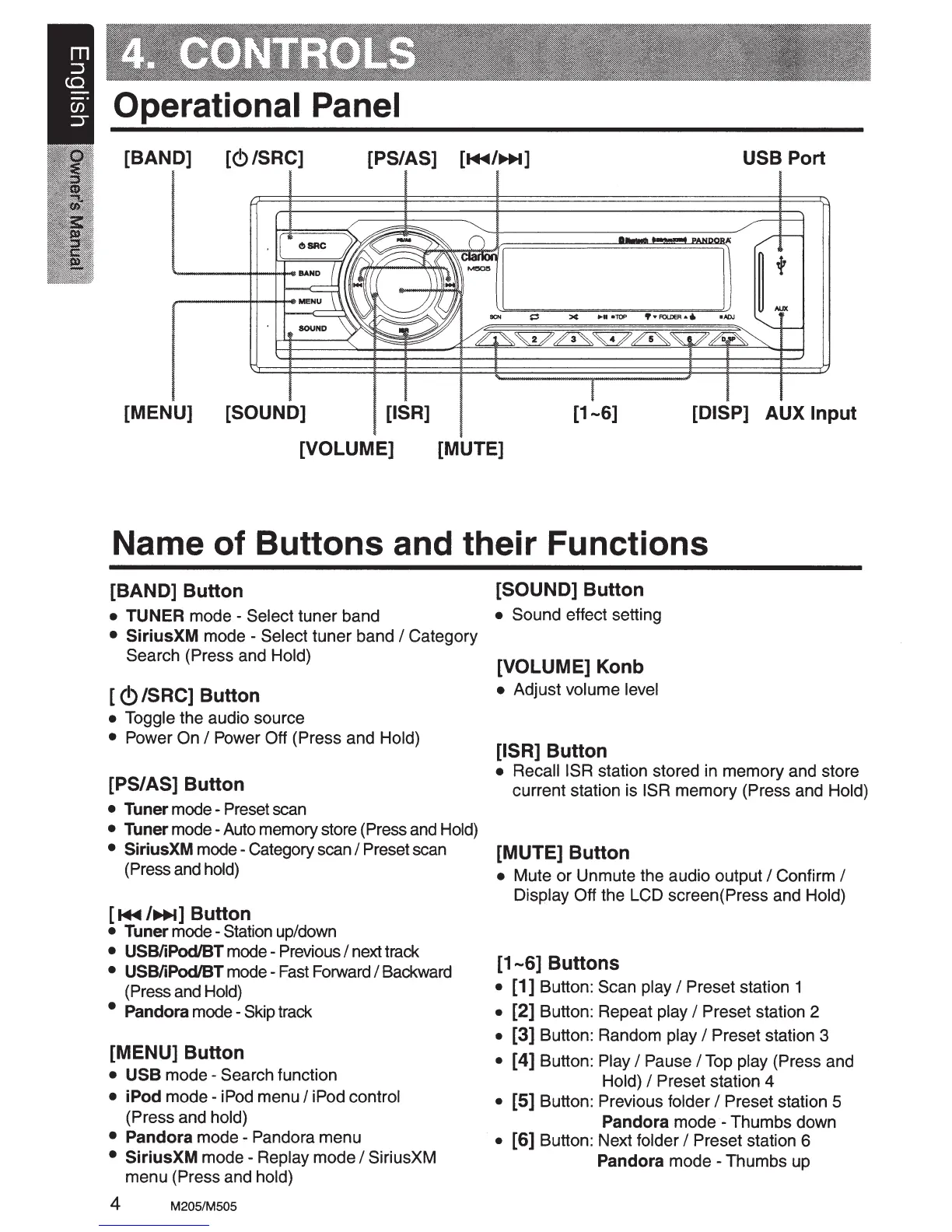
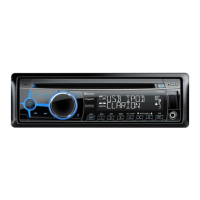
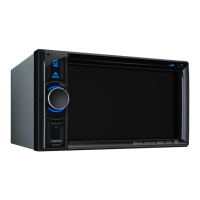
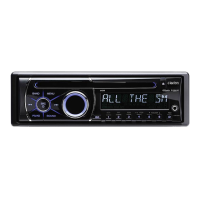
Operational Panel
[BAND]
~
I
§
I
~
~
§
~
I
~
I
~
I
I
[MENU]
[{!)/SRC]
~
~
I
[SOUND]
[PS/~S]
~
~
USB Port
[DISP] AUX
Input
Name
of
Buttons
and
their
Functions
[BAND] Button
• TUNER mode - Select tuner band
•
SiriusXM
mode - Select tuner band I Category
Search (Press and Hold)
[
<!)
/SRC] Button
• Toggle the audio source
• Power On
I Power Off (Press and Hold)
[PS/AS] Button
• Tuner mode - Preset scan
• Tuner mode -Auto memory store (Press and Hold)
• SiriusXM mode - Category scan I Preset scan
(Press and hold)
[~/11+1]
Button
• Tuner mode- Station up/down
• USB/iPod/BT mode - Previous I next track
• USB/iPod/BT mode - Fast Forward I Backward
(Press and Hold)
• Pandora mode - Skip track
[MENU] Button
• USB
mode-
Search function
•
iPod
mode-
iPod menu I iPod control
(Press and hold)
•
Pandora
mode - Pandora menu
•
SiriusXM
mode-
Replay mode I SiriusXM
menu (Press and hold)
4 M205/M505
[SOUND]
Button
• Sound effect setting
[VOLUME] Konb
• Adjust volume level
[ISR]
Button
•
RecaiiiSR
station stored in memory and store
current station is ISR memory (Press and Hold)
[MUTE]
Button
• Mute
or
Unmute the audio output I Confirm I
Display Off the LCD screen( Press and Hold)
[1-6]
Buttons
•
[1]
Button: Scan play I Preset station 1
• [2] Button: Repeat play I Preset station 2
• [3] Button: Random play I Preset station 3
• [ 4] Button: Play I Pause I Top play (Press and
Hold)
I Preset station 4
• [5] Button: Previous folder I Preset station 5
Pandora
mode - Thumbs down
• [6] Button: Next folder I Preset station 6
Pandora mode - Thumbs up



 To Next Page