13
English
12
6.1 Getting Started
⊼
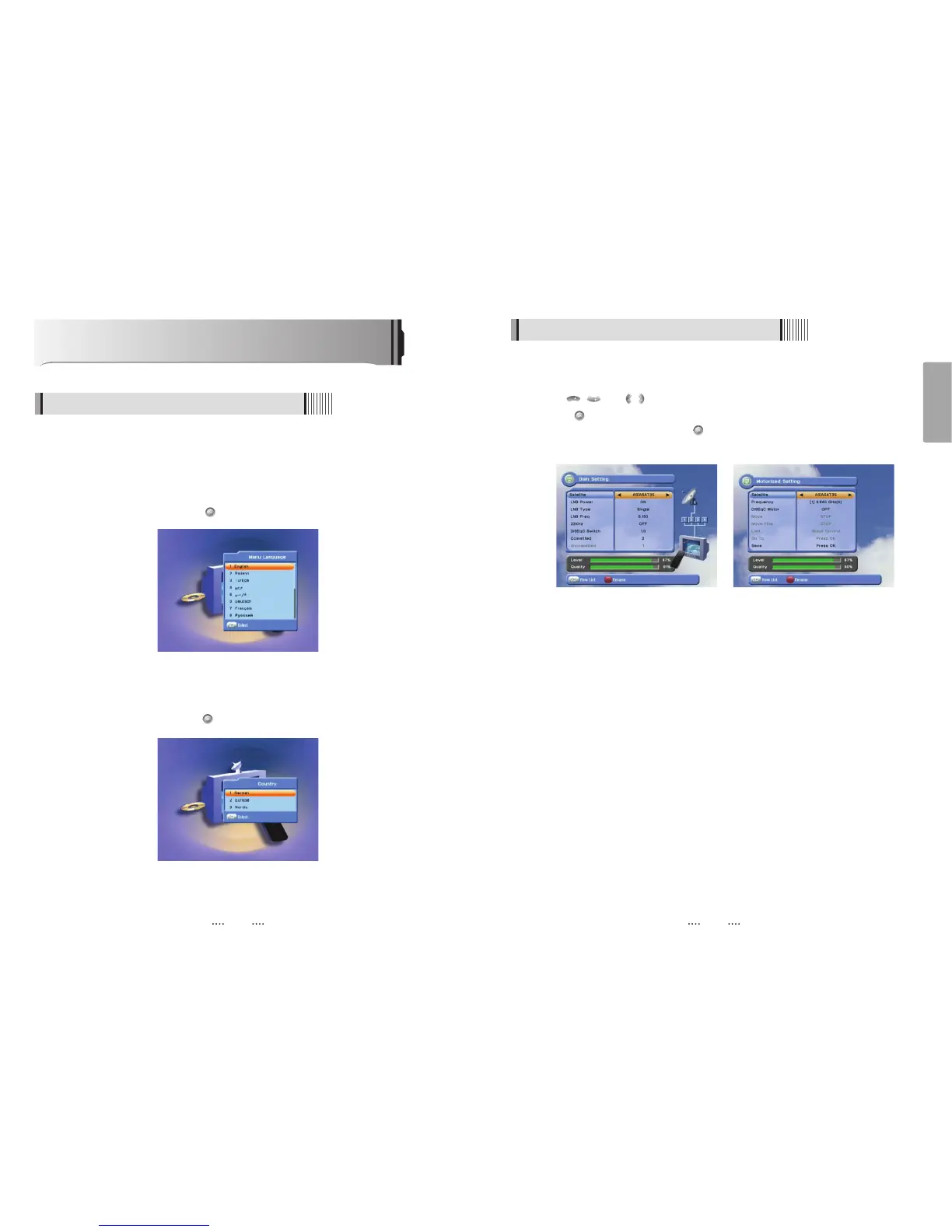
Select the item that you want to edit, and set its parameters as desired. <Dish Setting>
- LNB Power : Select among ON/OFF/13V/18V.
- LNB Type : Select among Single/Universal/OCS.
- LNB Freq : Set the frequency of the LNB oscillator.
- 22KHz : When not AUTO, set the signal path from LNB or switch by selecting a control
signal among 0/22KHz.
- DiSEqC switch : Select DiSEqC protocol among OFF/1.0/1.1 as appropriate for your
configuration.
- Committed/Uncommitted : Select the DiSEqC port.
⊽
Select the item that you want to edit and set its parameters as desired. <Motorized
Setting>
- Frequency : If the default TP frequency is not appropriate, you can select another TP
frequency at which to check for signal.
- DiSEqC Motor : Select DiSEqC protocol among OFF/1.2/USALS as appropriate for your
Motor.
<Figure 6.1.3> <Figure 6.1.4>
3) Antenna Setup
⊹
Press the MENU button to display the main menu.
⊺
Use / and / to move in the menu.
⊻
Press on ‘Dish Setting’. The following window will appear. <Figure 6.1.3>
If you have a motorized dish, press on ‘Motorized Setting’. < Figure 6.1.4>
ҫ
Note : Enter a 4-Digit password if need arise. The default password is ‘0000’.
Operation
6.1 Getting Started
After your receiver is powered on, proceed with installation as follows :
1) Menu Language Setting
⊹ Turn on your TV and receiver.
⊺ The pop-up menu for language selection will appear.<Figure 6.1.1>
Select one language and press to proceed.
<Figure 6.1.1>
2) Country Setting
⊹ Select a country and press the button on.
<Figure 6.1.2>



 To Next Page