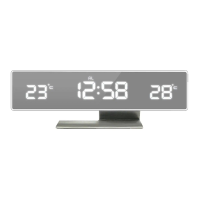
12
English
Display programme 2 “dp-2”
• You can choose whether thedisplay is to show
thedate, alarm or temperature.
• Select by pressing [ SET ] therequired number of times.
• Your selection will be shown on thedisplay constantly.
Display programme 3 “dp-3”
• Thedisplay will show thetime, which is thestandard setting.
Power save mode on/off
Note: During battery operation thepower save mode
should always be ON.
Press [ DOWN ] repeatedly to switch between power save
mode ON/OFF.
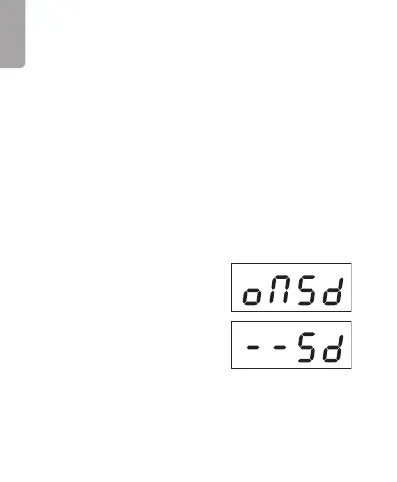
1. When “oNSd” is displayed,
thepower save mode is ON.
2. When “−−Sd” is displayed,
thepower save mode is OFF.
3. Thedisplay will switch off after 10 seconds of inactivity
and remain off until any of thesides of thecube is
touched or until thealarm sounds.



 To Next Page