10 11
English
Other functions
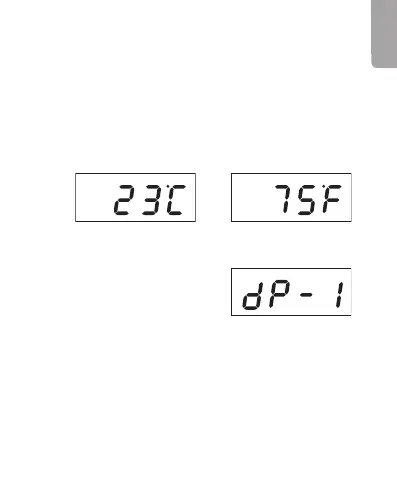
Display programmes
Press [ UP ] to choose one of
thedisplay programmes
dp-1, dp-2 or dp-3.
Display programme 1 “dp-1”
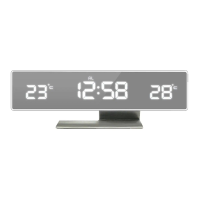
• Thedisplay alternates between showing thetime, date
and temperature.
• Thetime is shown for 10 seconds, thedate and
temperature for 2 seconds.
Temperature
1. Theclock has abuilt-in temperature sensor and
theambient temperature can be displayed and is
updated once every minute.
2. Press [ SET ] repeatedly until thetemperature setting
is displayed.
3. Hold down [ DOWN ] for 3 seconds to toggle between
Celsius (°C) and Fahrenheit (°F).



 To Next Page