8
English
Setup
Time
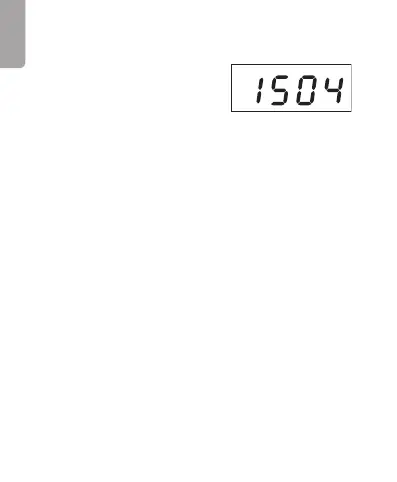
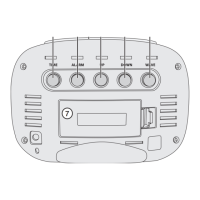
1. Press [ SET ] repeatedly until
thetime setting is displayed.
2. Hold in [ SET ] for 2 seconds.
- Press [ UP ]/[ DOWN ] to change between 12-hour
and 24-hour clock display.
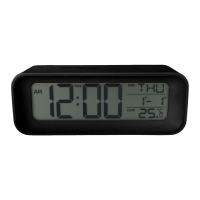
- If the12-hour clock format is chosen, thePM
symbol will be displayed in thetop left corner of
thedisplay in theafternoon.
3. Press [ SET ] and thehours will begin to flash.
- Press [ UP ]/[ DOWN ] to set thehours.
4. Press [ SET ] and theminutes will begin to flash.
- Press [ UP ]/[ DOWN ] to set theminutes.
5. Press [ SET ] or wait for 15 seconds and thesetting
will be saved.
Handy tip: Holding the [ UP ] or [ DOWN ] button down will
change thetime quickly.



 To Next Page