8 9
English
Date
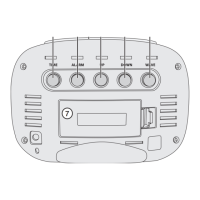
1. Press [ SET ] repeatedly until
thedate setting is displayed.
2. Hold down [ SET ] for 2 seconds
until theyear begins to flash.
- Press [ UP ]/[ DOWN ] to set theyear.
3. Press [ SET ] and themonth will begin to flash.
- Press [ UP ]/[ DOWN ] to set themonth.
4. Press [ SET ] and theday will begin to flash.
- Press [ UP ]/[ DOWN ] to set theday.
5. Press [ SET ] or wait for 15 seconds and thesetting
will be saved.
Alarm
1. There is thepossibility of setting three different times
for thealarm in theclock memory: A1, A2 and A3.
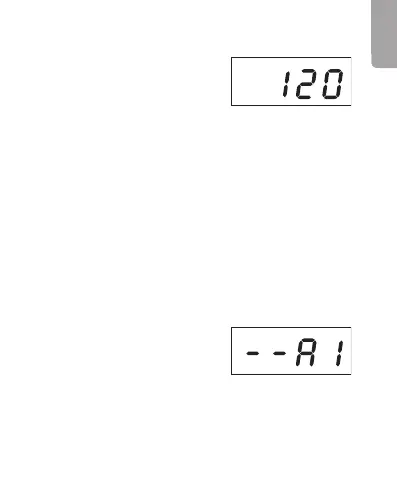
2. Press [ SET ] therequired
number of times until “A1”,
“A2” or “A3” is displayed.



 To Next Page